01 / Short answer
A gaming lounge needs a zone plan before it needs a color palette: give every play area, circulation route and feature wall a clear lighting job.
Gaming lounge, arcade, esports and multi-player entertainment space planners
CHECKPOINT / 01
Draw the lounge as zones
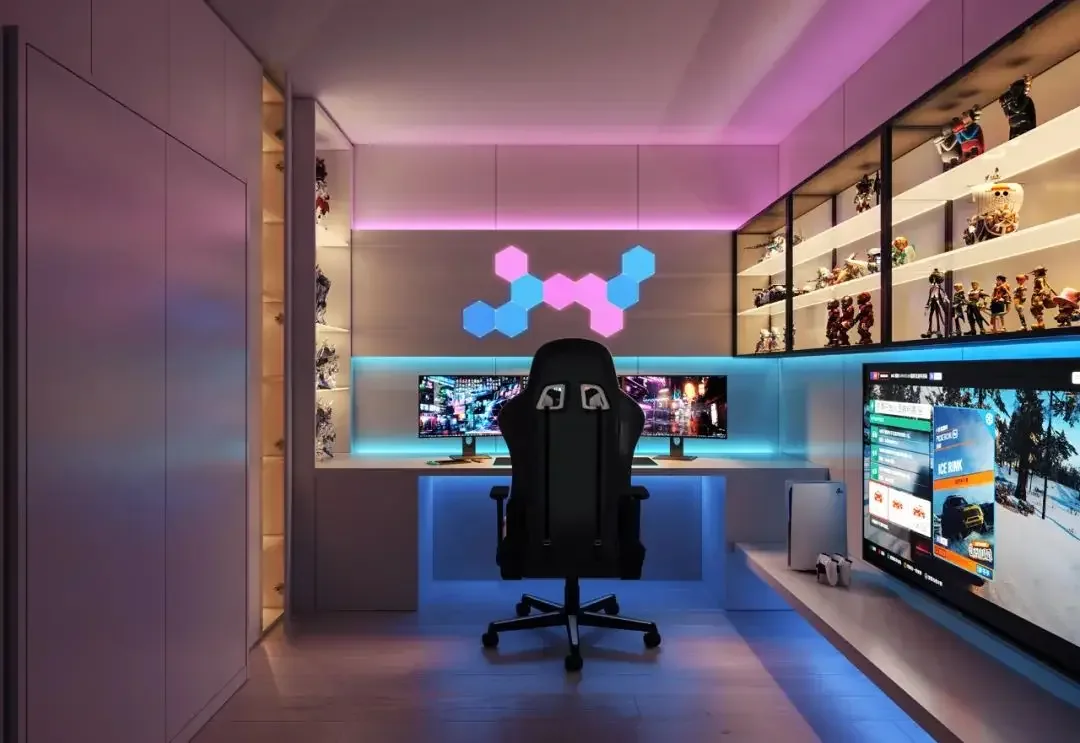
Start with player stations, spectator seating, circulation, service points and signage. Each zone may need a different brightness floor and a different control owner. This prevents a tournament effect from turning every walkway and work surface into the same saturated color.
- Give each player bank an identifiable scene or segment.
- Keep circulation and exits readable at every scene level.
- Separate staff or service light from the show layer.
CHECKPOINT / 02
Use a hierarchy of effects
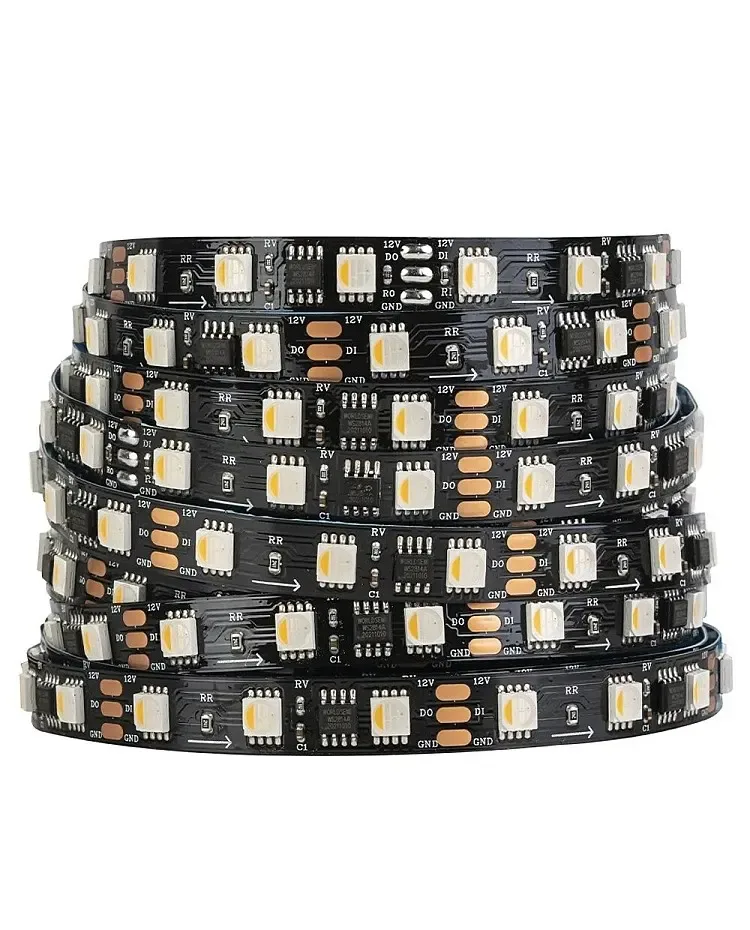
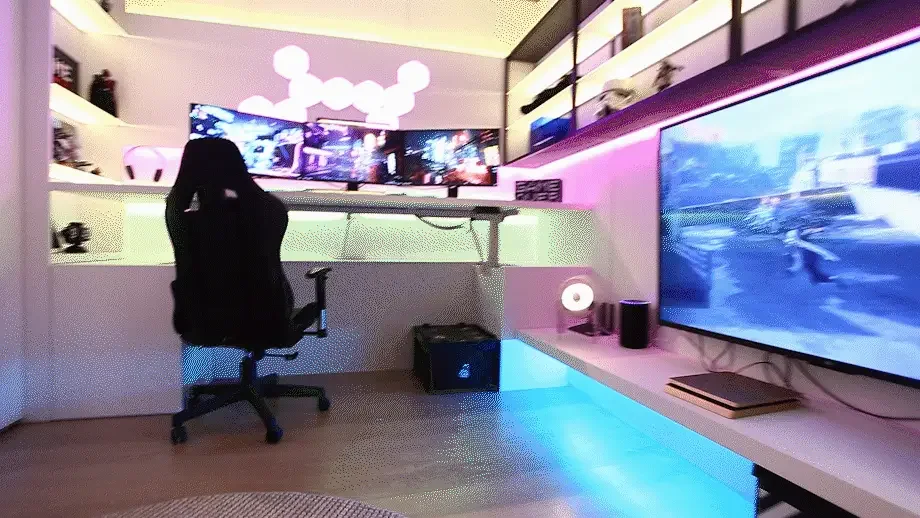
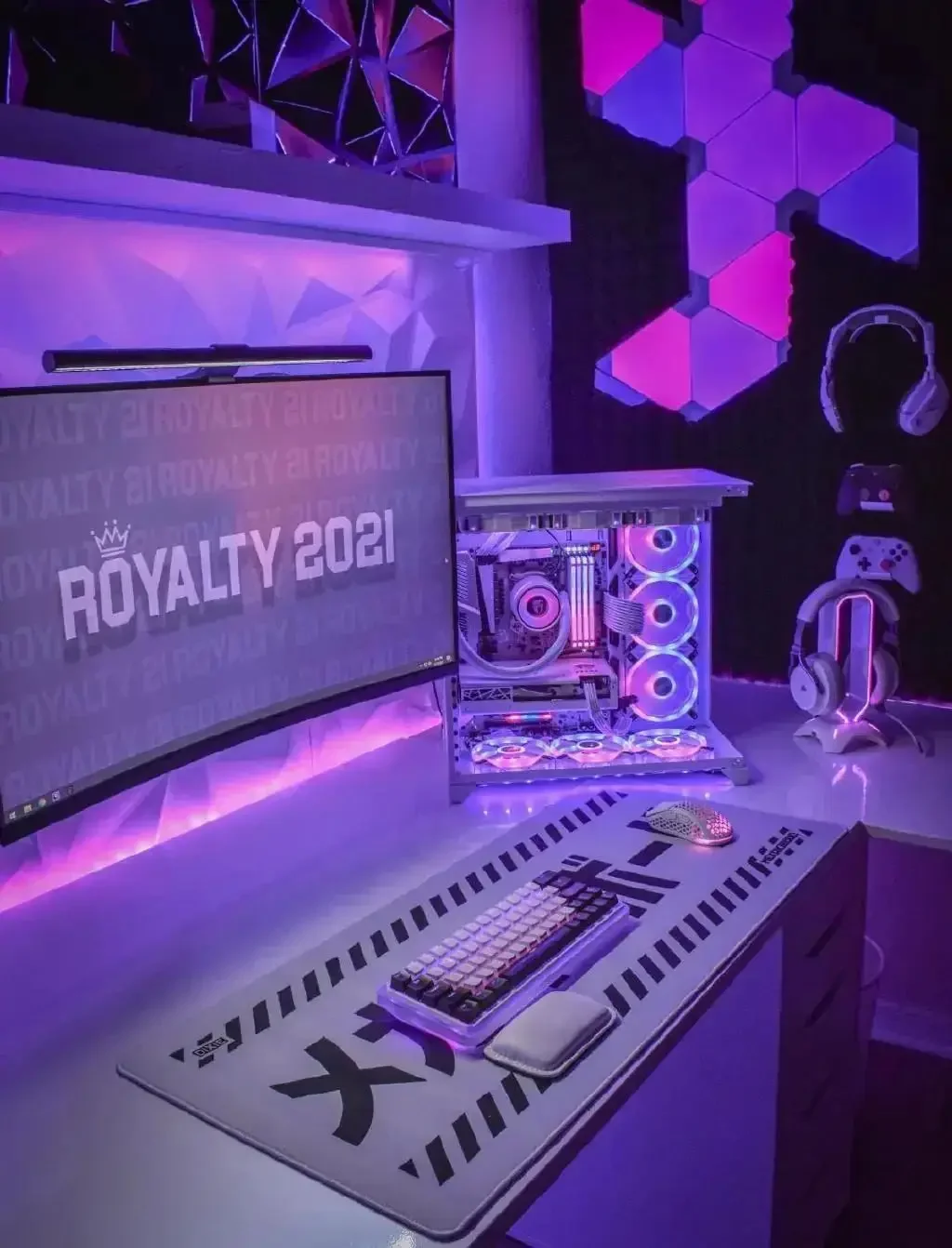
A strong gaming lounge usually has a calm base layer, a repeating architectural accent and a faster effect layer reserved for events. Neon flex, diffused linear light, shelf wash and pixel features can work together when their brightness and movement are coordinated.
- Base: low-glare indirect light for the room.
- Accent: edge, shelf, sign or ceiling line that establishes identity.
- Event: addressable movement or color change with a defined maximum brightness.
CHECKPOINT / 03
Make the power and service boundary visible
Multiple stations create a longer run and more connectors. Record each branch current, cable distance, injection point, fuse, connector and controller output. Leave service access behind signage, wall panels and equipment racks so the effect can be repaired without dismantling the lounge.
- Split long runs into named, protected branches.
- Measure the far end under a repeatable bright state.
- Keep low-voltage wiring separate from mains work and follow local installation rules.
CHECKPOINT / 04
Choose show control without losing local recovery
A lounge can use WLED presets for local effects, a show controller for timed sequences or a separate automation layer for opening and closing scenes. Decide which system owns each output. Keep one known-good local preset or fallback scene available when the show computer or network is offline.
- Write down the owner of each output.
- Test a single zone before scaling to all stations.
- Record brightness limits, restart behavior and a manual recovery path.
VISUAL REFERENCES
See the layers before you specify the parts.
FAILURE MODES
What usually goes wrong
- One global effect makes player stations and walkways equally bright.
- A long run is powered through a small connector without branch protection.
- Show playback and local firmware both send commands to the same output.
- The controller is installed behind a feature wall with no reset or replacement access.
TECHNICAL BASIS / VERSION
Keep the decision current
This guide is maintained as a versioned technical record. Recheck the current protocol documentation and the exact product revision before using it in a production installation.
Confirm the selected voltage, light engine, driver, controller, firmware and installation conditions against the product record and project brief.
FAQ / QUICK ANSWERS
Common questions about this lighting setup
How do you light a gaming lounge for tournaments?
Divide the room into player, spectator, circulation and service zones. Use a readable base layer for people and equipment, then add addressable or show-controlled effects with brightness and movement limits.
What is the difference between gaming room and gaming lounge lighting?
A gaming room can focus on one desk and one viewing position. A lounge needs multiple player zones, sightlines, circulation, signage, service access and a control plan that can change scenes without making the whole room uncomfortable.
How do you power LED lighting across a gaming lounge?
Calculate each branch from the exact light specification, cable distance and connector boundary. Use appropriate headroom and branch protection, then measure voltage at the far end before extending the design.
READING LIST
Reference points used for this guide
The page is rewritten for LumaCircuit readers. These references establish the original topic or technical context; they do not replace an exact product review or a LumaCircuit test record.
- Reference / multi-player zones, show control and service access