01 / Short answer
A comfortable gaming room uses controlled layers: useful light for the desk, soft light behind the screen and effects placed behind surfaces instead of in the eyes.
Gamers, streamers and DIY builders planning a dedicated or combined gaming room
CHECKPOINT / 01
Start with three lighting jobs
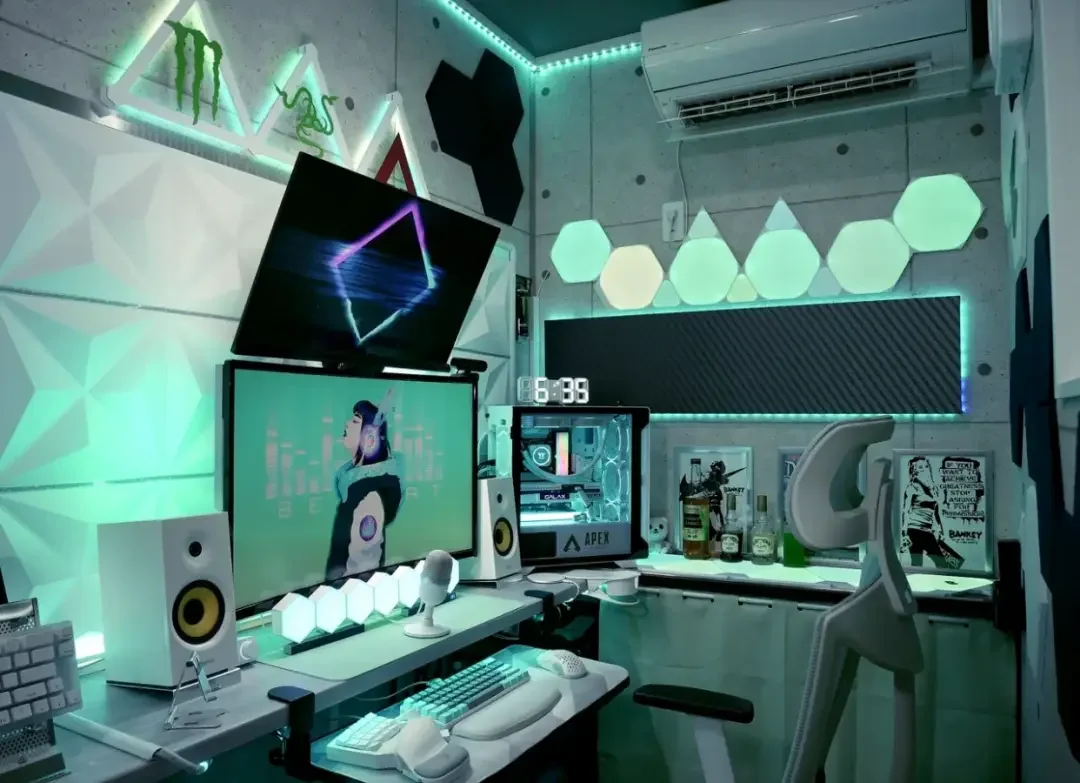
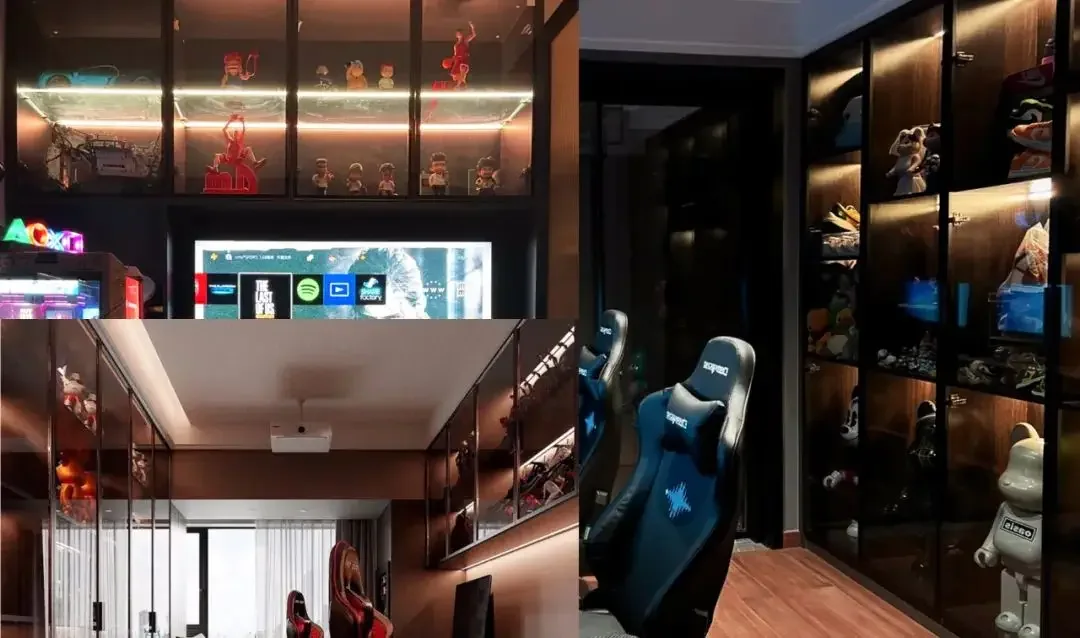
Treat the gaming desk, the display or shelf wall and the general room as separate lighting jobs. A desk needs enough even light for controls and notes. A screen needs a softer background so the contrast between a bright display and a dark wall is less severe. Shelves and wall details can carry the expressive color.
- Use a dimmable neutral or warm task layer at the desk.
- Place screen bias light behind the display or on the wall, out of the direct viewing angle.
- Reserve saturated RGB effects for edges, shelves, wall panels and floor lines.
CHECKPOINT / 02
Put RGB effects behind the room
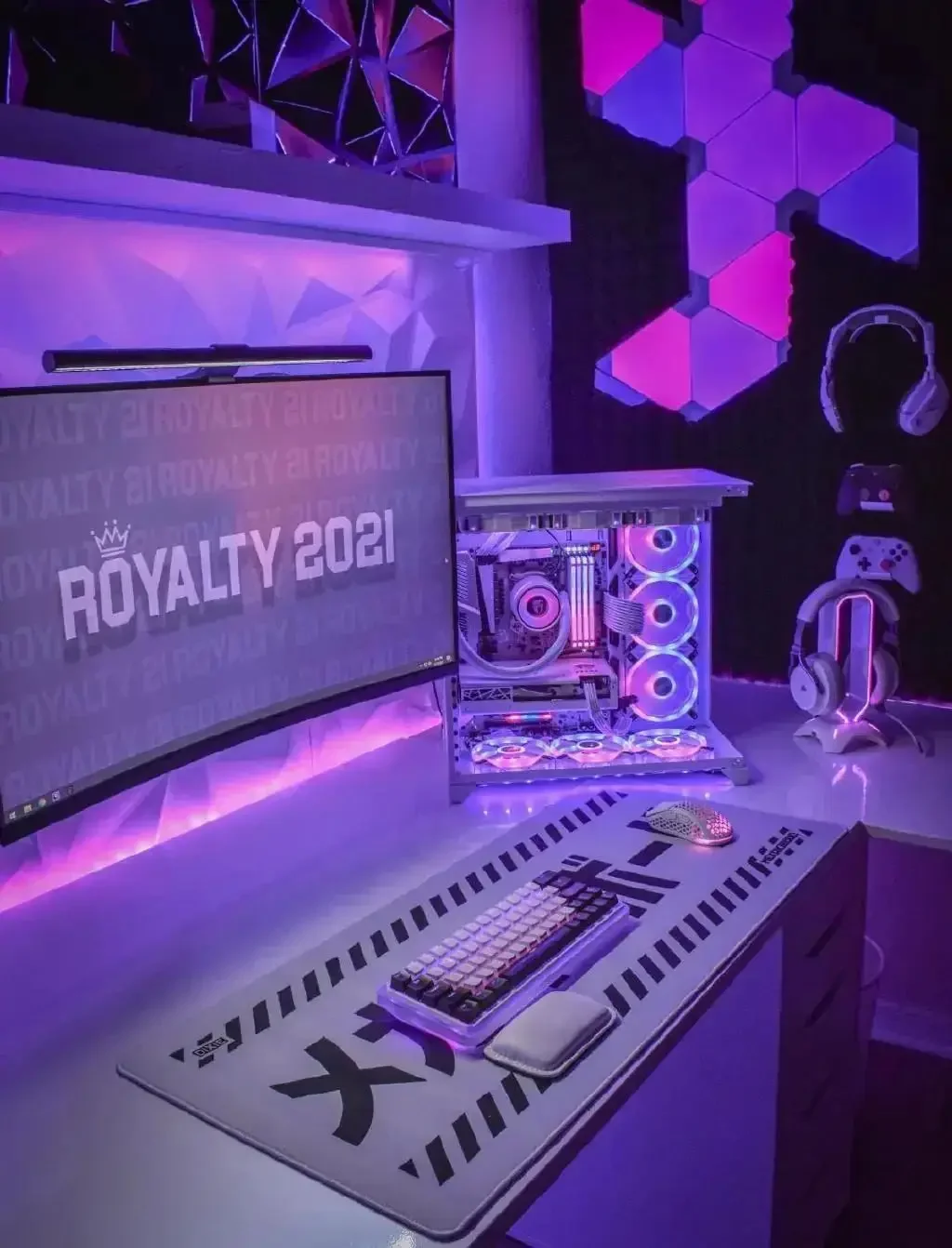
The most convincing gaming room lighting is usually indirect. A diffuser, aluminum profile, rear-facing strip or concealed channel turns a small light source into a broad wash. This gives the room color without exposing a row of bright points beside the monitor.
- Hide the LED source from the normal seated position.
- Use a diffuser when the strip can be seen directly.
- Keep effect speed low enough that the room remains comfortable during long sessions.
CHECKPOINT / 03
Choose the control path after the light engine
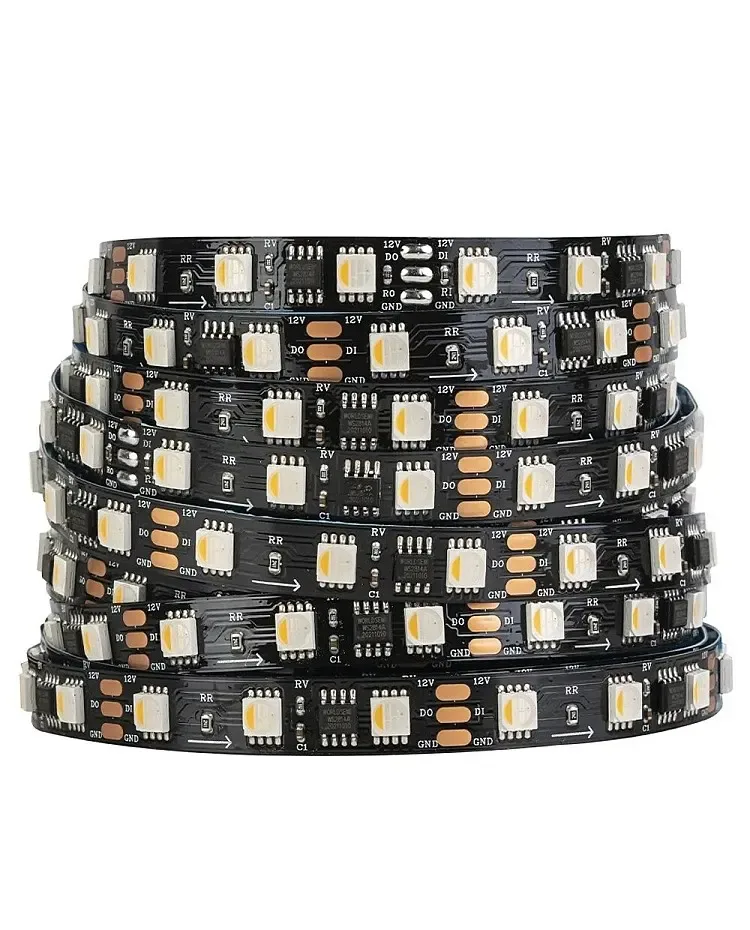
For animated pixels, record the exact voltage, LED IC, data direction, pixel count and color order before choosing a WLED profile. Home Assistant can provide room context and schedules after the local light path works. A controller or firmware name alone does not prove the selected strip will work with it.
gaming_room = desk_task + screen_bias + effect_zones
record = voltage + led_ic + data_direction + power_plan
control = local_effects + room_automation
CHECKPOINT / 04
Plan both a dedicated room and a compact setup
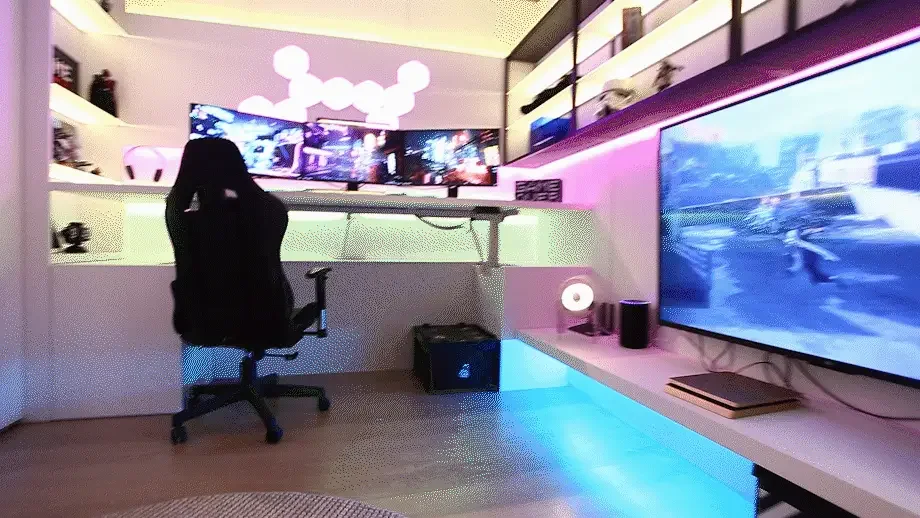
A full gaming room can separate play, display and rest areas. A smaller bedroom or study can still work when the desk, wall shelf and bed or reading light have independent layers. Keep the effect circuit easy to disable so the room remains useful for work, sleep or guests.
- Map cable routes before fixing shelves or wall panels.
- Leave access to the controller, fuse and connectors.
- Keep the everyday light usable when the effects are off.
VISUAL REFERENCES
See the layers before you specify the parts.
FAILURE MODES
What usually goes wrong
- A bright RGB strip is mounted beside the screen and creates glare.
- A decorative effect strip is expected to provide comfortable desk light.
- The controller is selected before the exact LED IC, voltage and power load are recorded.
- The power supply and connectors are buried where a future repair cannot reach them.
TECHNICAL BASIS / VERSION
Keep the decision current
This guide is maintained as a versioned technical record. Recheck the current protocol documentation and the exact product revision before using it in a production installation.
Confirm the selected voltage, light engine, driver, controller, firmware and installation conditions against the product record and project brief.
FAQ / QUICK ANSWERS
Common questions about this lighting setup
What is the best LED lighting for a gaming room?
Use a mix of dimmable task light, soft screen bias light and indirect RGB or RGBW effect light. Addressable light is useful when you need moving patterns or separate zones, but the exact strip, LED IC, controller and power plan must be matched.
Should gaming room LED strips be visible?
Usually no. Concealed or rear-facing strips with a diffuser create a wider wash and reduce glare. Visible points can work as a deliberate decorative detail, but they should not sit in the normal sightline.
Can WLED and Home Assistant control a gaming room?
They can occupy different layers when the exact light and controller path supports them: WLED can handle local effects and Home Assistant can call scenes or presets. Verify the hardware, firmware and integration for the selected configuration.
READING LIST
Reference points used for this guide
The page is rewritten for LumaCircuit readers. These references establish the original topic or technical context; they do not replace an exact product review or a LumaCircuit test record.
- Reference / screen comfort and layered gaming-room lighting