01 / Short answer
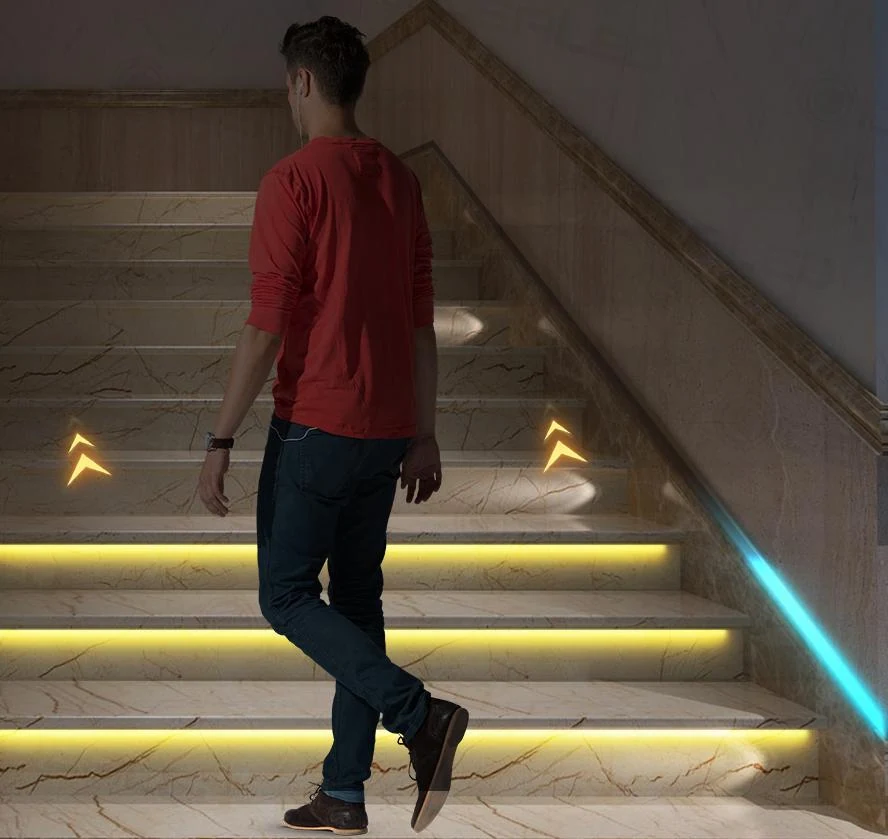
Good motion-sensor stair lighting is a sequence of safe zones, not just a strip that turns on. Plan sensor coverage, step grouping, fade timing, power and a manual fallback before choosing the effect.
Homeowners, installers and builders planning a stair light that responds to movement while preserving safe everyday visibility
CHECKPOINT / 01
Define the safety and atmosphere layers
The stair should remain legible when the effect controller is offline or a sensor does not trigger. Use a low-glare everyday layer for tread edges, landings and handrails, then add a motion sequence or color accent only when it does not reduce visibility. A bright strip at eye level can be more distracting than helpful, especially on a narrow stair.
- Keep steps, landings and the handrail readable at the lowest scene.
- Use concealed or downward-facing light when the source is visible from the approach.
- Treat animated color as an optional layer, not the only safety light.
CHECKPOINT / 02
Map both approaches and blind spots
Place the upper and lower sensors so a person is detected before entering the first step. Check door swings, landings, pets, reflected motion, furniture and the direction of travel. The exact sensor range, timeout, daylight behavior and wiring belong to the selected controller or sensor; do not copy those values from a different kit.
- Test ascending, descending, stopping and turning around on the landing.
- Check whether one sensor can see the whole approach or whether zones need separate inputs.
- Keep sensor access available for replacement and sensitivity adjustment.
CHECKPOINT / 03
Choose step zones and fade behavior
One output per step can create a flowing sequence, while grouped steps reduce wiring and controller complexity. Select the grouping from the desired resolution, cable path, current and maintenance plan. Fade-in and fade-out should reveal the tread early enough for movement and should not leave a dark step during a transition. On an addressable strip, verify that the physical group count matches the controller configuration.
zones = step_groups + landings
trigger = upper_sensor OR lower_sensor
scene = safe_base + controlled_fade
fallback = manual_on + all_steps_visible
CURRENT PRODUCT RECORDS
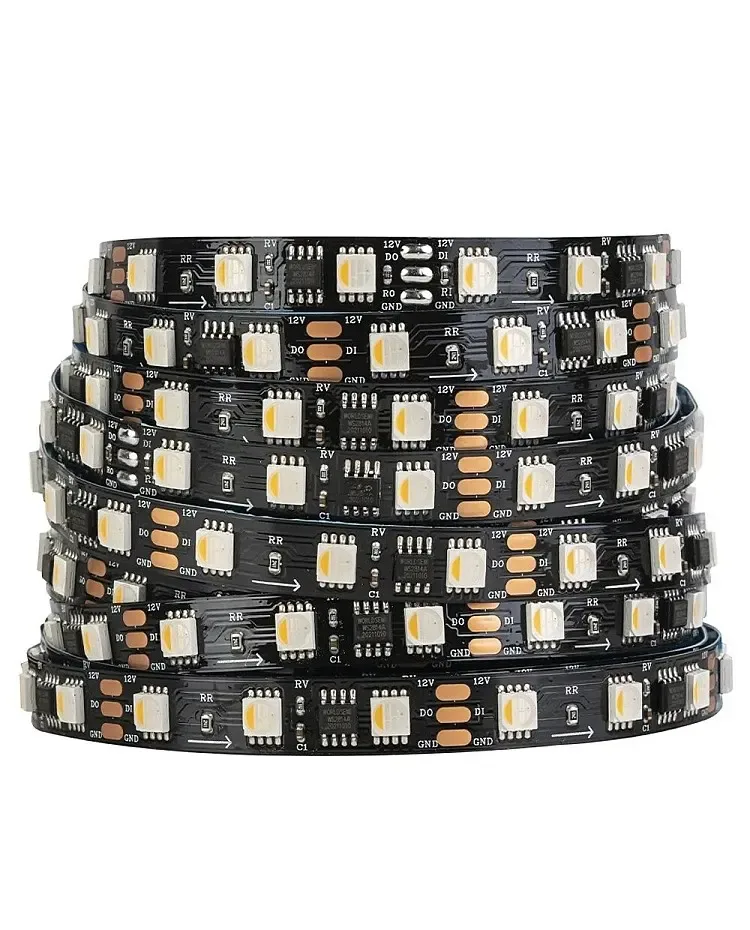
24 V WS2814 RGBW addressable LED strip View productCHECKPOINT / 04
Keep power, wiring and connectors serviceable
Calculate the total maximum load, split it into practical branches and keep the controller, supply, fuse and connectors reachable. Long stair runs can expose voltage drop at the last steps, while repeated movement can stress a cable that has no strain relief. Label each zone and leave a service loop behind a removable tread, trim or access panel.
- Measure the last step under the brightest planned state.
- Protect branches according to the cable and load, not only the supply rating.
- Separate mains work from the low-voltage controller and follow local electrical requirements.
CHECKPOINT / 05
Test real movement and failure states
Run the sequence from both ends, at night and in ambient light, with one person moving slowly and another watching every step. Test a second trigger during an active fade, a timeout with no movement, a power restart, a disconnected sensor and a controller or network outage. Record the working behavior and leave a manual or always-on mode for maintenance.
ascending -> descending -> landing_turn
retrigger -> timeout -> restart
sensor_fault -> manual_fallback -> service_record
CURRENT PRODUCT RECORDS
24 V WS2814 RGBW addressable LED strip View productFAILURE MODES
What usually goes wrong
- The sensor detects a person only after they have entered the first step.
- The effect is bright but the tread edges disappear when the controller is offline.
- One long strip is driven without checking the last-step voltage or branch current.
- Fade timing leaves a dark step between two zones.
- The controller or sensor is hidden behind fixed trim with no reset or replacement access.
TECHNICAL BASIS / VERSION
Keep the decision current
This guide is maintained as a versioned technical record. Recheck the current protocol documentation and the exact product revision before using it in a production installation.
Confirm the selected voltage, light engine, driver, controller, firmware and installation conditions against the product record and project brief.
FAQ / QUICK ANSWERS
Common questions about this lighting setup
Do motion sensors need one LED strip per stair?
No. Individual step zones give finer sequencing, while grouped zones can simplify wiring and reduce controller outputs. Choose from the required visibility, current, cable route, controller capacity and maintenance plan.
Should stair lights be addressable?
Addressable light can create a sequence, but it is not required for safe stair illumination. An analog or grouped system may be easier to service. In either case, keep a safe base light and verify the exact controller and sensor path.
What happens if the motion sensor fails?
The design should provide a manual or always-on fallback so the stairs remain usable and serviceable. Test that fallback before closing the trim or handing over the installation.
READING LIST
Reference points used for this guide
The page is rewritten for LumaCircuit readers. These references establish the original topic or technical context; they do not replace an exact product review or a LumaCircuit test record.
- Reference / localized technical tutorial