01 / Short answer
A connector is part of the electrical specification. Record the exact family, variant, gender, wire order, voltage, ground and data direction, then test the real path with the shortest known-good section.
Installers and support teams assembling extensions, pigtails or distribution boxes for LED lighting
CHECKPOINT / 01
Record the complete connector identity
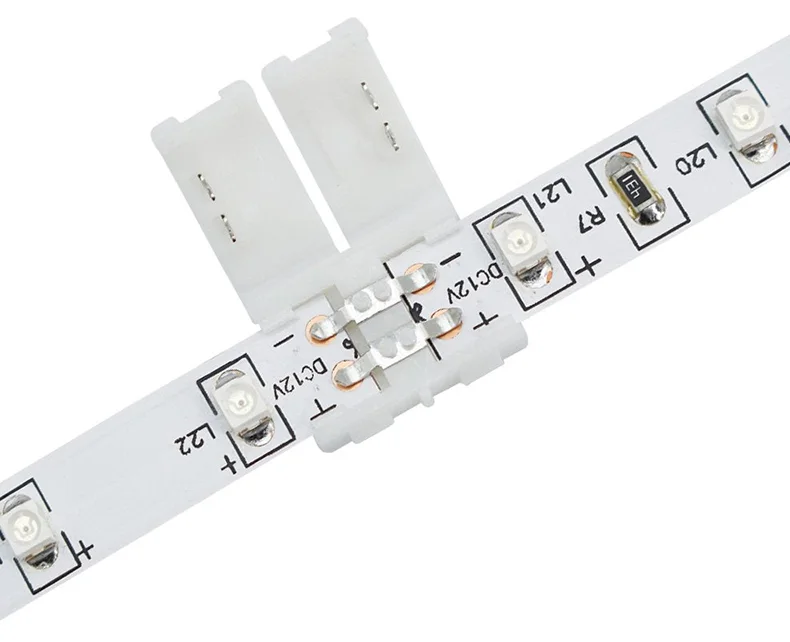
Create one row for every connection and record connector family, strip variant, gender at both ends, revision and conductor count. Two connectors can look identical while using different wire orders or electrical assignments. A photograph helps identify the part, but it does not replace an exact pinout register.
- Link the register to the SKU or revision that will actually be installed.
- State male and female at both ends, not only the cable trade name.
- Keep the date, batch or revision when wire order could change.
CURRENT PRODUCT RECORDS
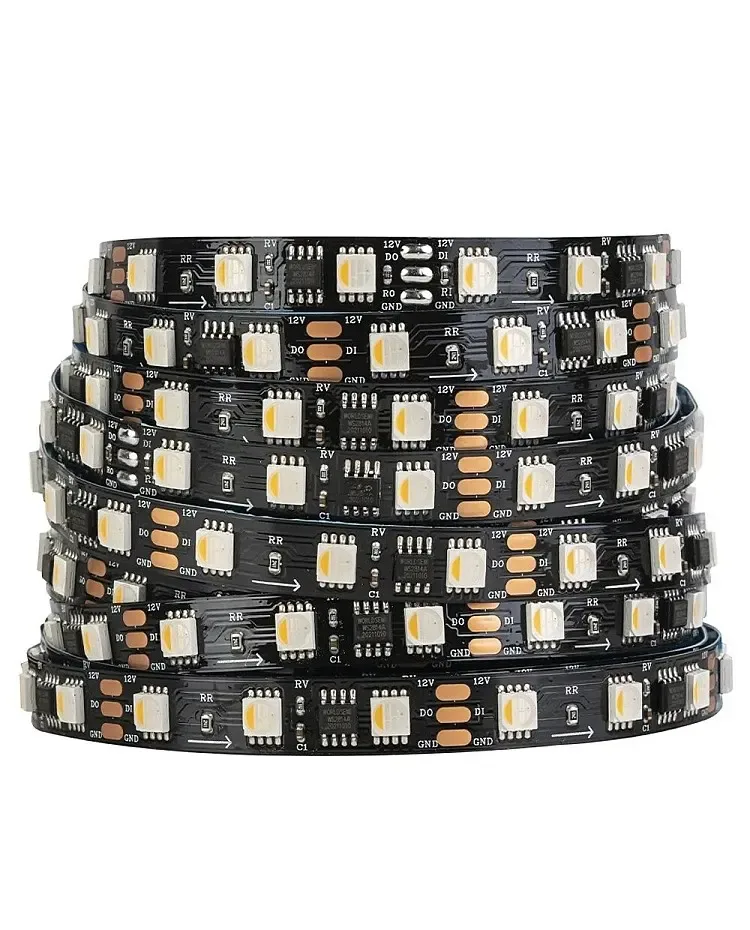
24 V WS2814 RGBW addressable LED strip View productCHECKPOINT / 02
Separate voltage, ground, data and their paths
Draw each pin as an independent electrical function: supply positive, return or ground, data-in and data-out where present. Data-in and data-out describe signal direction; wire color is only an observation that must be confirmed. Show the data path and power path as separate lines in the wiring record.
- Do not use wire color as proof of polarity or direction.
- Mark which end receives data and which end passes it on for the exact variant.
- Record whether the connector carries power only or also carries signal.
CURRENT PRODUCT RECORDS
24 V WS2814 RGBW addressable LED strip View productCHECKPOINT / 03
Check continuity, polarity and shorts with power removed
Disconnect the supply before testing. Use a multimeter to check continuity for every conductor, expected polarity, the absence of shorts between positive, ground and data, and ground continuity when the design requires it. A matching housing does not prove compatible pins. Correct and record every discrepancy before applying power.
- Check the assembled cable and connector, including terminals and pigtails.
- Do not measure resistance in an energized circuit.
- Mark any function not confirmed by documentation or measurement as unresolved.
record: connector_family + variant + gender + revision
map: pin -> voltage | data-in | data-out | ground
verify: continuity + polarity + shorts
test: shortest_known_good_segment
CURRENT PRODUCT RECORDS
24 V WS2814 RGBW addressable LED strip View productCHECKPOINT / 04
Test the shortest known-good section first
Connect the controller, power supply and a short section that is known to work. Keep the required common ground, respect data-in and data-out, and verify signal, colors and restart behavior before adding an extension. A section that lights does not prove that polarity, direction, channel order or connector capacity is correct for the complete installation.
- Start without the full reel or final distribution box.
- Compare the result with the register and the markings on the product.
- Stop expanding if flicker, wrong color, restart or heating appears.
CURRENT PRODUCT RECORDS
24 V WS2814 RGBW addressable LED strip View productCHECKPOINT / 05
Hand over a maintainable register version
Include connector, pigtail, extension lead, terminal, fuse, length, destination and current limits in the BOM. Version the document when batch, gender, wire order, controller or product revision changes. The handoff diagram must separate data and power paths so support can identify the correct replacement without guessing.
- Label the ends physically and keep a copy near the box.
- Record fuses and terminals as part of the electrical boundary.
- Describe WLED, Zigbee, DMX or other compatibility only when this variant has a documented or tested connection path.
CURRENT PRODUCT RECORDS
24 V WS2814 RGBW addressable LED strip View productVISUAL REFERENCES
See the layers before you specify the parts.





FAILURE MODES
What usually goes wrong
- A pinout is copied from a connector that only looks the same.
- Wire color is treated as a guaranteed electrical assignment.
- Power is applied without checking continuity, polarity, ground and shorts.
- Data-out is connected to the controller because data direction was not marked.
- A batch, pigtail, terminal or fuse changes without versioning the BOM or repeating the test.
TECHNICAL BASIS / VERSION
Keep the decision current
This guide is maintained as a versioned technical record. Recheck the current protocol documentation and the exact product revision before using it in a production installation.
Confirm the selected voltage, light engine, driver, controller, firmware and installation conditions against the product record and project brief.
FAQ / QUICK ANSWERS
Common questions about this lighting setup
Can I use the pinout of a connector that looks identical?
No. Confirm the exact family, variant, gender and revision. Check continuity, polarity and the absence of shorts before applying power; exterior shape and wire color are not sufficient evidence.
Are data-in and data-out identified by wire color?
Not necessarily. Color is a clue that can change between batches. Follow the markings and arrows for the variant, measure when needed, and test a short known-good section first.
What belongs in the register and BOM?
Include connector, gender, pinout, variant, revision, pigtail, extension, terminal, fuse, length, destination, electrical limits and test date. Keep data and power paths separate so the next technician can recover the system without assumptions.
READING LIST
Reference points used for this guide
The page is rewritten for LumaCircuit readers. These references establish the original topic or technical context; they do not replace an exact product review or a LumaCircuit test record.
- Workshop reference / connector pinout, polarity and data direction