01 / Short answer
CCT is a control range, not a complete quality specification. Check channel behavior, dimming, CRI, flicker, diffusion and the exact driver together before publishing a lighting result.
Buyers specifying CCT for rooms, cabinets or work areas
CHECKPOINT / 01
Define what CCT changes
Tunable-white light mixes warm and cool channels to change the apparent correlated color temperature. That control range describes the white point selected by the user; it does not describe the full spectrum, brightness, CRI, flicker or visual uniformity. The light engine, driver and controller form one electrical and optical path.
- Record the warm and cool channel arrangement for the exact variant.
- Treat CCT as appearance control, not as a quality grade.
- Keep the light engine, driver and controller paired in the configuration record.
CURRENT PRODUCT RECORDS
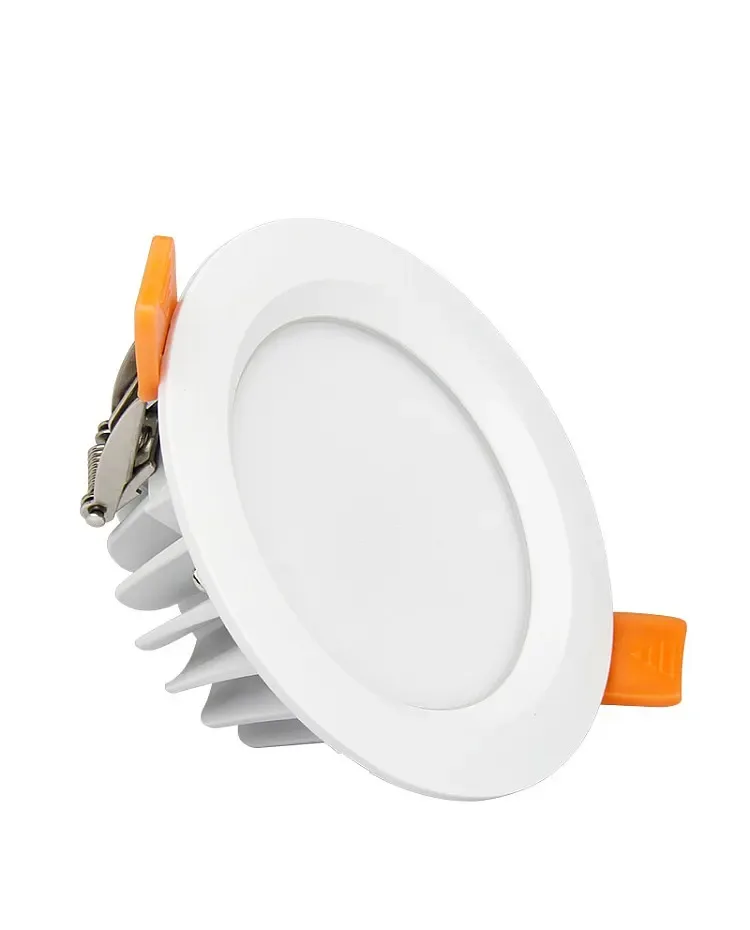
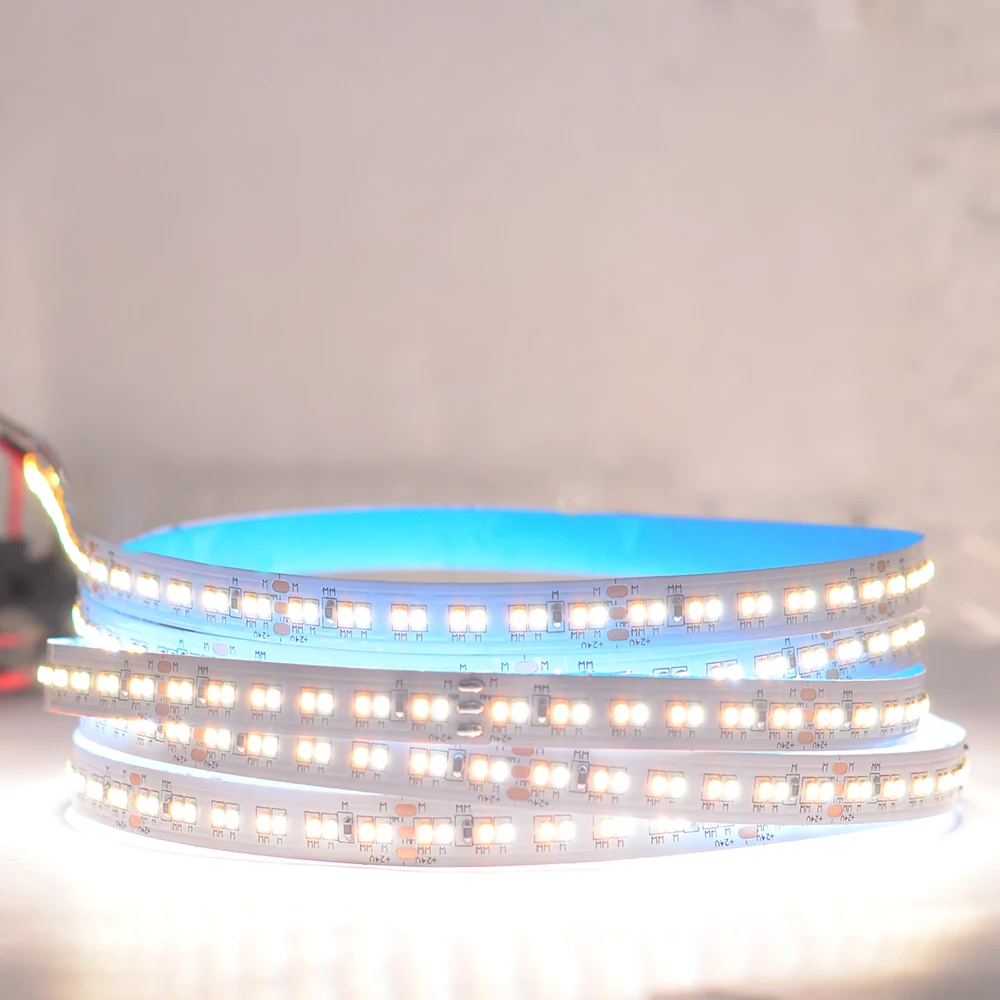
2216 CCT LED strip, 420 LEDs View product 6W RGB+CCT Waterproof LED Downlight Spot View productCHECKPOINT / 02
Choose a driver and control path that match
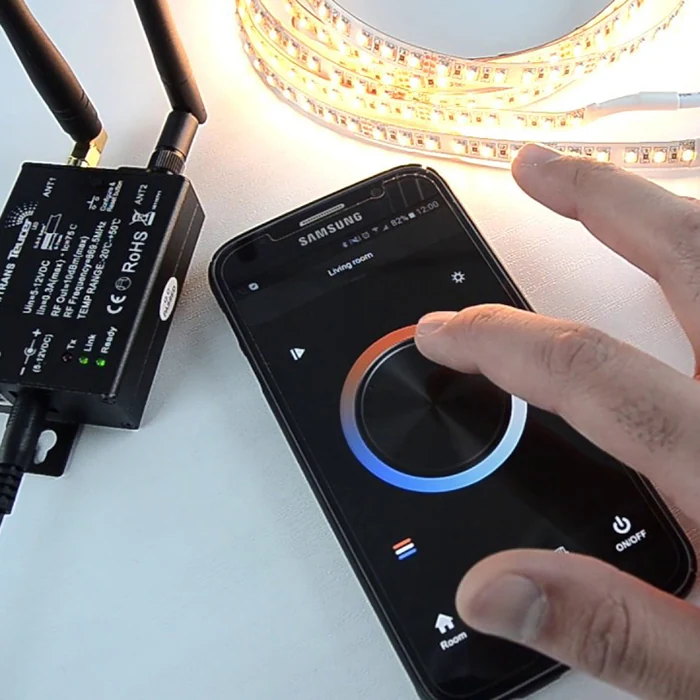
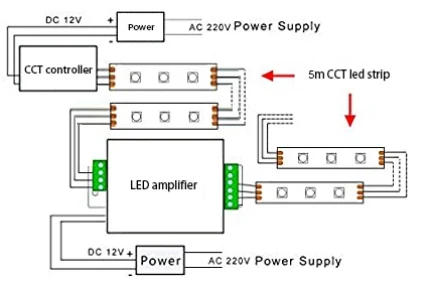
A two-channel CCT strip normally needs a compatible constant-voltage supply and a controller or driver that can regulate the warm and cool channels independently. A Zigbee route, when the exact configured product supports it, requires a Zigbee gateway or coordinator. Validate ZHA, Zigbee2MQTT and Tuya Gateway as separate paths; a radio label, connector or similar product name is not proof of any one of them.
- Confirm voltage, channel topology, current limit and dimming method for the exact variant.
- Record whether the controller is local, gateway-based or cloud-dependent.
- Do not describe a CCT strip as Zigbee, WLED or Home Assistant compatible without an exact tested path.
CURRENT PRODUCT RECORDS
6W RGB+CCT Waterproof LED Downlight Spot View productCHECKPOINT / 03
Specify useful light beyond Kelvin
Write the target CCT range together with the intended task, brightness, CRI or R9 evidence, diffuser, beam, surface and viewing distance. A wider range can still produce poor color rendering, uneven channel mixing or insufficient output. Keep a target or planned label until the exact light engine and driver have supporting evidence.
- Separate CCT range, color quality, output and flicker into different fields.
- Judge the finished strip, profile and diffuser from the real user sightline.
- Use a measured or documented CRI claim only for the exact variant and condition.
CURRENT PRODUCT RECORDS
2216 CCT LED strip, 420 LEDs View productCHECKPOINT / 04
Check low, middle and high CCT behavior
Commission at low, middle and high points in the selected range, then repeat at the dimming floor and at the planned bright state. Watch for channel jumps, dead zones, color shift, audible driver behavior, flicker and a mismatch between the wall control and the light output. The exact driver and PWM or control method determine the result; another driver can change it.
- Test the actual diffuser and mounting surface.
- Record whether both channels remain stable at low output.
- Stop the approval when a visible jump or unsafe temperature appears.
cct_points: low -> middle -> high
brightness: dimming_floor -> planned_max
check: channel_mix + flicker + output + temperature
record: strip + driver + controller + firmware + result
CURRENT PRODUCT RECORDS
6W RGB+CCT Waterproof LED Downlight Spot View productCHECKPOINT / 05
Approve the complete scene, not a number
Compare the finished installation at the CCT points users will actually select. Measure or document the conditions that support any claim, record the driver, controller, firmware, diffuser and brightness limit, and test restart and recovery. If the product uses Zigbee, record the gateway or coordinator and the validated integration path separately. CCT is ready for publication only when the complete configured result is understood.
- Keep a local manual fallback when a gateway, network or automation is unavailable.
- Repeat the review when the strip, driver, controller, diffuser or firmware changes.
- Use configured-to-order or available-by-quote language until commercial and technical status is connected.
CURRENT PRODUCT RECORDS
6W RGB+CCT Waterproof LED Downlight Spot View product 2216 CCT LED strip, 420 LEDs View productVISUAL REFERENCES
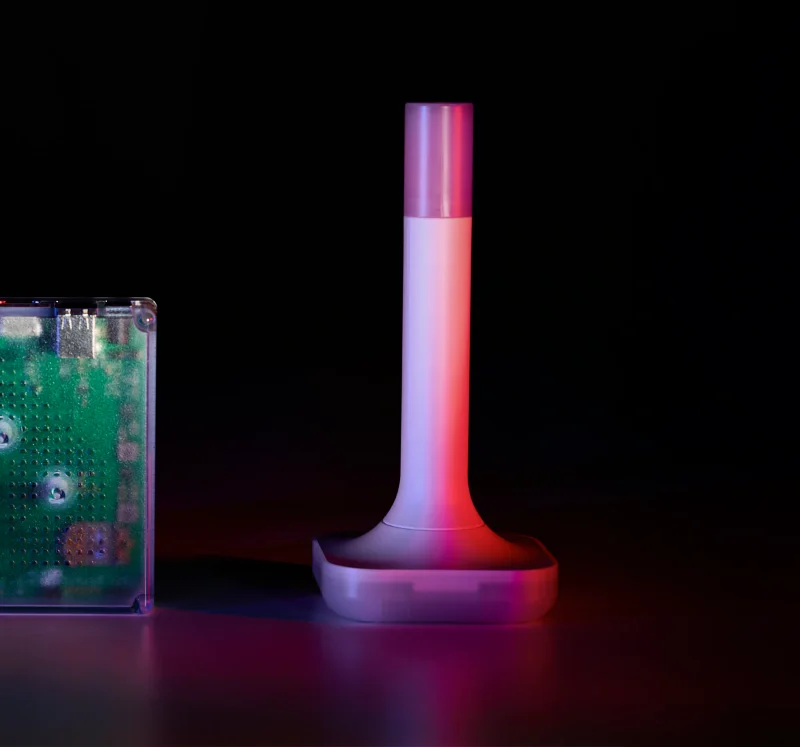
See the layers before you specify the parts.
FAILURE MODES
What usually goes wrong
- A CCT range is published as if it proved high CRI, R9, output or low flicker.
- The warm and cool channels are driven together through a controller that was designed for a different topology.
- A Zigbee, ZHA, Zigbee2MQTT, Tuya Gateway, WLED or Home Assistant claim is inferred from a label, radio or connector.
- The driver is changed after the light was tested, so the dimming floor, channel mix or thermal result no longer applies.
- The finished diffuser and user sightline are never tested, even though the approval is based on a bare strip or a single Kelvin value.
TECHNICAL BASIS / VERSION
Keep the decision current
This guide is maintained as a versioned technical record. Recheck the current protocol documentation and the exact product revision before using it in a production installation.
Confirm the selected voltage, light engine, driver, controller, firmware and installation conditions against the product record and project brief.
FAQ / QUICK ANSWERS
Common questions about this lighting setup
Does a wider CCT range mean better light quality?
No. CCT describes the selectable apparent white point. It does not prove CRI, R9, spectral distribution, output, flicker, dimming smoothness or visual uniformity. Compare the exact light engine, driver, diffuser and test condition for each claim.
Can any tunable-white strip use Zigbee or Home Assistant?
No. The exact strip, channel topology, driver or controller, firmware, gateway and entity path must be checked. When a configured product uses Zigbee, a gateway or coordinator is required; ZHA, Zigbee2MQTT and Tuya Gateway are separate validation paths. A label, connector or similar name is not evidence of compatibility.
What should be tested before approving a CCT installation?
Test low, middle and high CCT points at the dimming floor and planned bright state with the final driver, controller, diffuser and mounting surface. Check channel mixing, flicker, output, temperature, restart, gateway or network recovery and the manual fallback. Record the exact configuration that produced the result.
READING LIST
Reference points used for this guide
The page is rewritten for LumaCircuit readers. These references establish the original topic or technical context; they do not replace an exact product review or a LumaCircuit test record.
- Reference / CCT control, driver behavior and color quality