01 / Short answer
CCT wiring is a two-channel lighting path: warm white and cool white must remain correctly identified from strip to controller to power. Test both extremes before hiding the connection.
Builders wiring a tunable-white or CCT strip for cabinets, mirrors, work areas or rooms
CHECKPOINT / 01
Identify the CCT strip structure
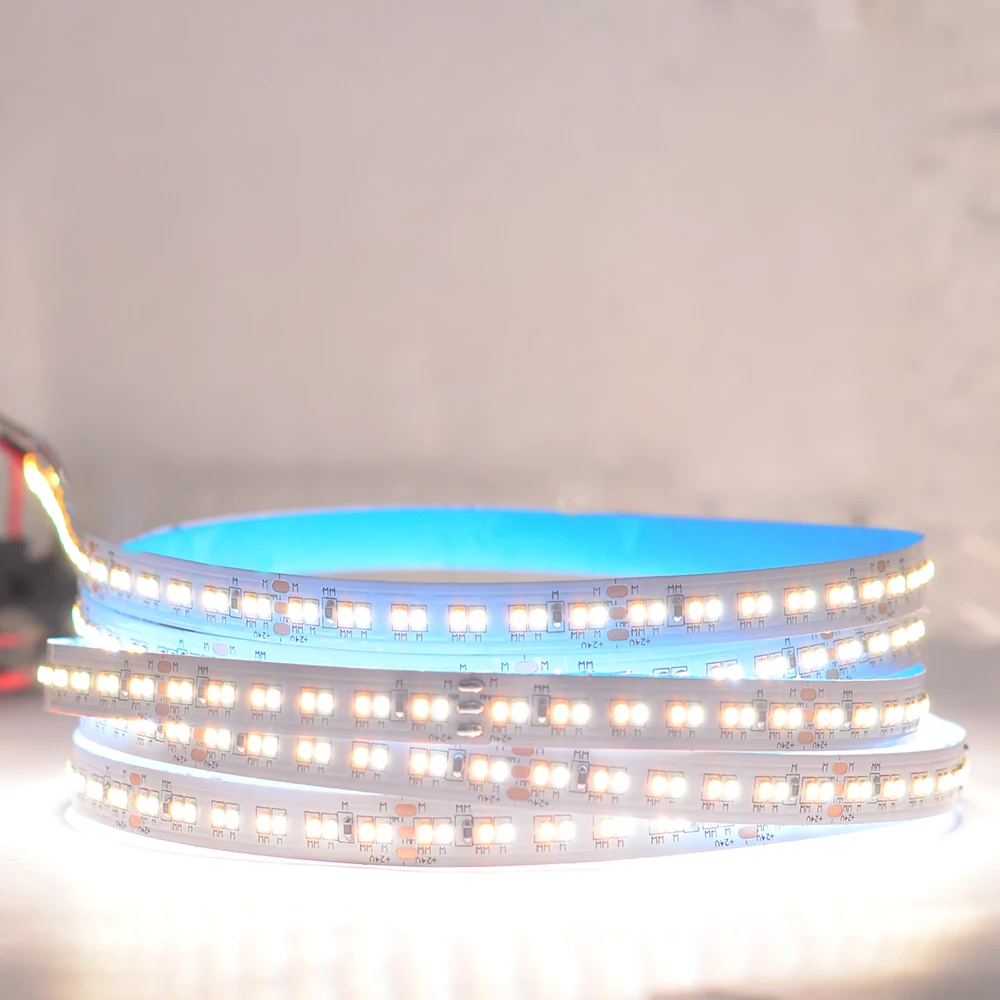
A tunable-white strip normally mixes two white channels to change the apparent color temperature. It is not the same as a single-color strip with a warmer dimming setting, and it is not automatically the same as an RGB+CCT product. Record the strip voltage, common connection, warm channel, cool channel, cut interval and maximum watts per metre from the exact variant.
- Two white channels require a controller with the matching output topology.
- Keep color temperature separate from CRI, flicker and total output claims.
- Treat a coated CCT strip as a different mechanical and thermal part from a bare board.
CURRENT PRODUCT RECORDS
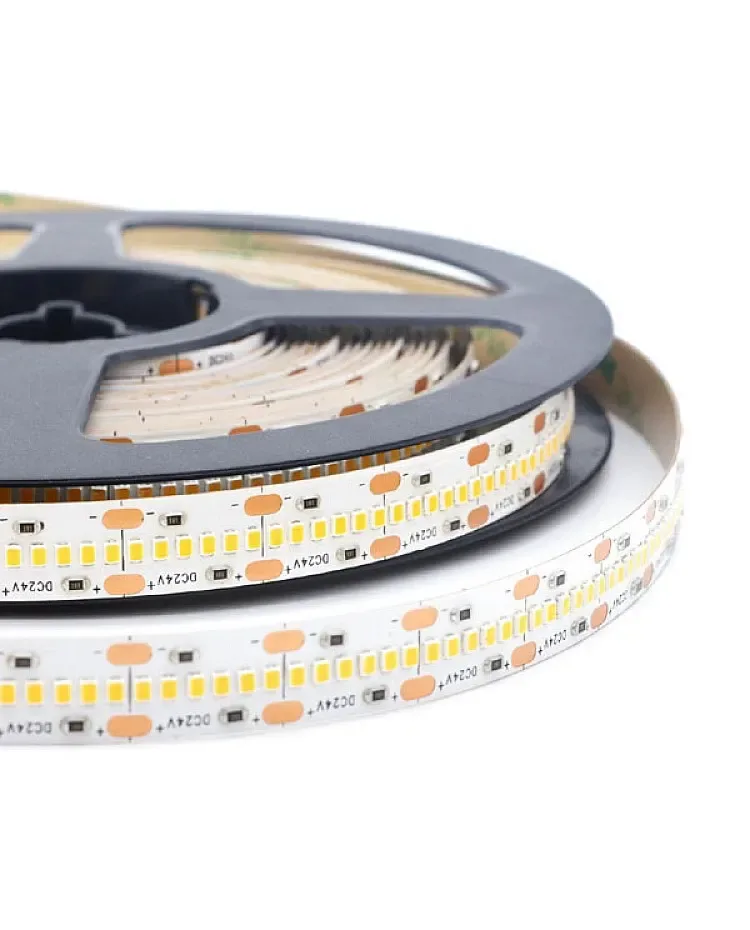
2216 CCT LED strip, 420 LEDs View productCHECKPOINT / 02
Map warm and cool channels with power removed
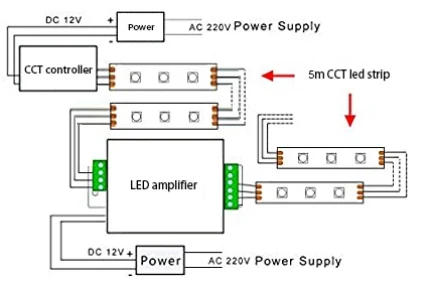
Find the positive or common marking and the two channel labels on the strip. Connect those labels to the matching controller outputs, then check continuity before energizing. Wire colors and connector positions vary, so a diagram from another CCT product is a reference rather than a universal pinout.
strip_common -> controller_common
warm_channel -> warm_output
cool_channel -> cool_output
verify: polarity + channel_labels
CHECKPOINT / 03
Size the supply and controller together
The supply voltage must match the strip, while the controller must carry both channels at the selected maximum state. Calculate the total load from the installed length and declared watts per metre, then check controller output, cable, connector and fuse. A supply with enough wattage cannot repair a reversed channel or an undersized controller output.
load_w = length_m * watts_per_m
current_a = load_w / voltage_v
controller_limit_a >= warm_a + cool_a
supply_w >= load_w * 1.20
CURRENT PRODUCT RECORDS
2216 CCT LED strip, 420 LEDs View productCHECKPOINT / 04
Plan long runs as named branches
CCT strips can show a warmer or cooler far end when voltage falls or when the two channels do not share the same resistance. Keep long sections within the exact run guidance, use parallel feeds or injection where the calculation requires it and label both channels at every branch. An amplifier or repeater is only appropriate when its input, output and channel mapping match the selected controller path.
- Test warm, cool and middle states at the first and last section.
- Keep the two white channels together in the cable and connector record.
- Do not combine CCT sections with different voltage families.
CURRENT PRODUCT RECORDS
2216 CCT LED strip, 420 LEDs View productCHECKPOINT / 05
Commission the color range before finishing
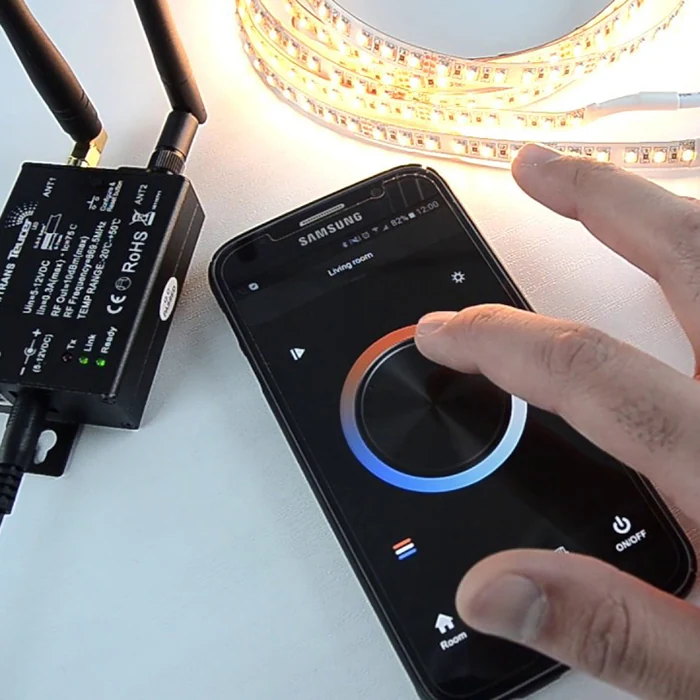
Run the strip at warm white, cool white and several intermediate points. Watch for a channel that is reversed, remains partially on, changes abruptly or becomes visibly different at the far end. Test dimming at the intended low level, maximum planned output and after a restart, then record the controller, driver, CCT range, wiring and measured result.
warm -> cool -> midpoint
low_level -> full_level -> restart
record: CCT_variant + controller + voltage + result
CURRENT PRODUCT RECORDS
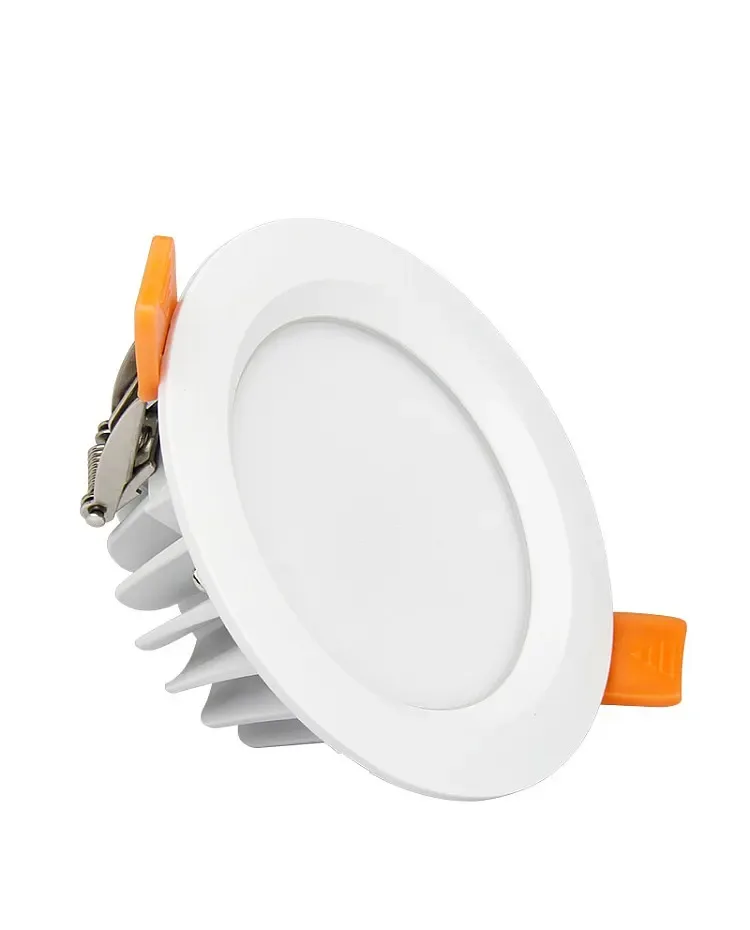
6W RGB+CCT Waterproof LED Downlight Spot View productVISUAL REFERENCES
See the layers before you specify the parts.
FAILURE MODES
What usually goes wrong
- Warm and cool wires are swapped and the control interface is blamed for the result.
- A two-channel CCT strip is connected to a single-channel dimmer.
- The total load is calculated from one channel while both channels can be driven together.
- A long branch is extended without measuring warm and cool output at the far end.
- A CCT range is published as proof of CRI or flicker performance.
TECHNICAL BASIS / VERSION
Keep the decision current
This guide is maintained as a versioned technical record. Recheck the current protocol documentation and the exact product revision before using it in a production installation.
Confirm the selected voltage, light engine, driver, controller, firmware and installation conditions against the product record and project brief.
FAQ / QUICK ANSWERS
Common questions about this lighting setup
How many wires does a tunable-white LED strip need?
Many analog CCT strips use one common connection plus separate warm-white and cool-white channels, but the exact connector and polarity are variant-specific. Read the markings on the selected strip before wiring.
Can a normal dimmer control a CCT strip?
A normal single-channel dimmer cannot independently mix warm and cool channels. Use a controller or driver with the correct two-channel CCT topology and current capacity.
Why does the far end of a CCT strip look like a different color?
Voltage drop, unequal channel resistance, connector loss or a wiring error can change the balance between warm and cool channels. Measure both channels at the far end under the same test state.
READING LIST
Reference points used for this guide
The page is rewritten for LumaCircuit readers. These references establish the original topic or technical context; they do not replace an exact product review or a LumaCircuit test record.
- Reference / wiring tunable-white LED strips with two-channel CCT planning