01 / Short answer
Most LED strips can be cut only at their marked circuit intervals. A clean cut preserves the independent circuit and copper pads; a correct reconnection then restores the electrical and environmental boundary.
DIY builders shortening LED strips, preserving offcuts and repairing a cut end
CHECKPOINT / 01
Confirm that the exact variant is cuttable
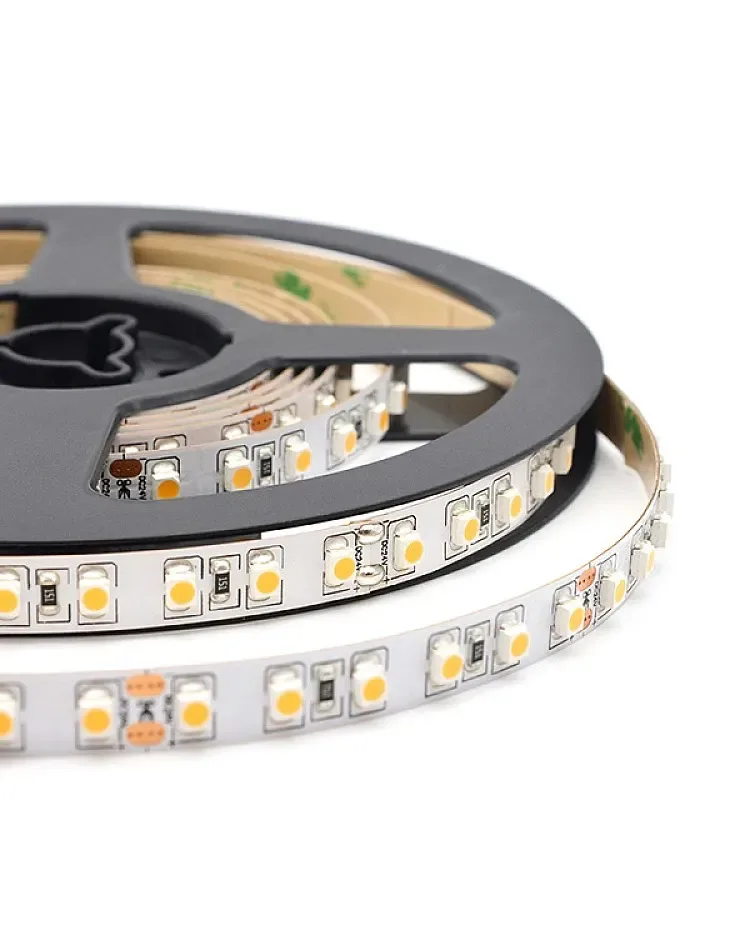
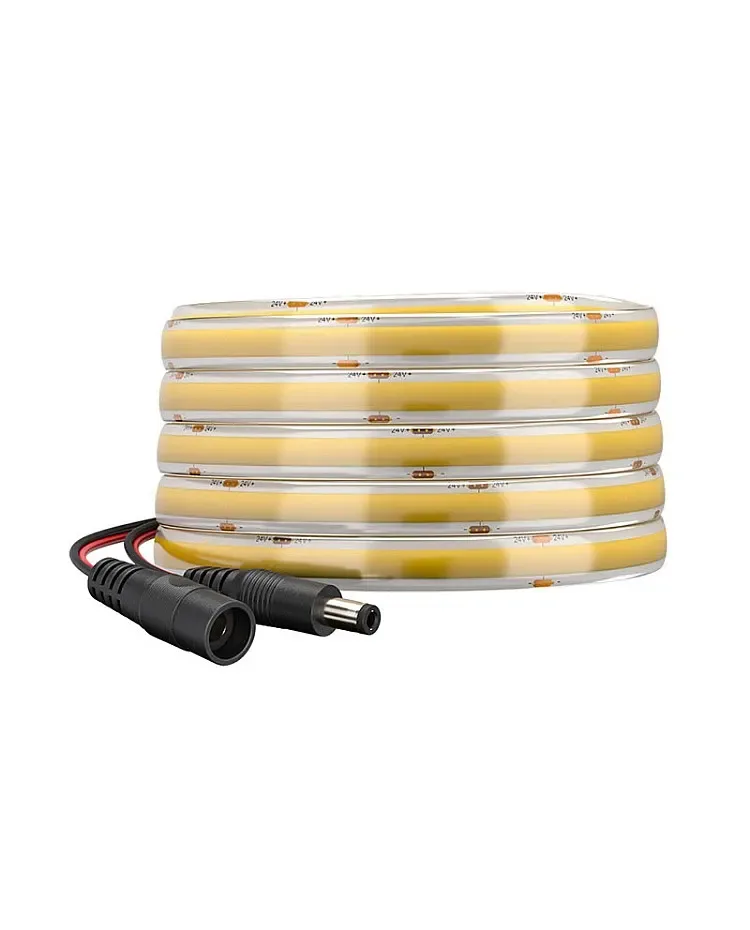
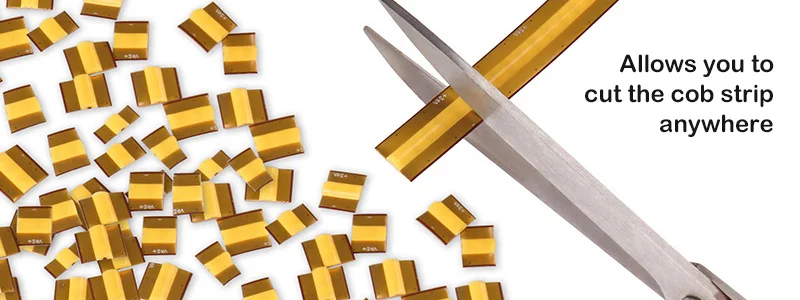
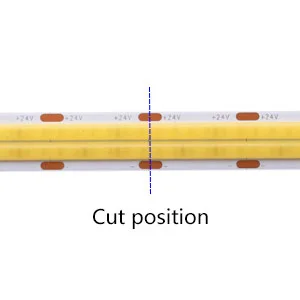
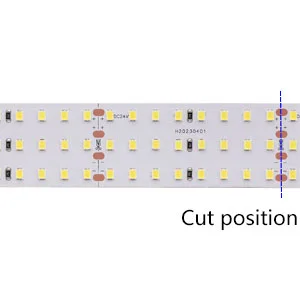
Look for scissors marks, dashed cut lines, copper pads and a documented cut interval. The interval depends on voltage, circuit grouping, light engine and sometimes the addressable control design. A strip without a visible or documented cut boundary should be treated as not ready to cut. Some COB variants support a much finer or free-cut pattern, but that behavior belongs to the specified variant, not to every COB strip.
- Photograph the cut marks before the strip is installed.
- Record the cut interval in millimetres and in the project length plan.
- Keep the reel and offcut labels together until the circuit is commissioned.
CURRENT PRODUCT RECORDS
2835 flexible CCT LED strip View product IP65 COB CCT LED strip View productCHECKPOINT / 02
Measure the real path and mark it
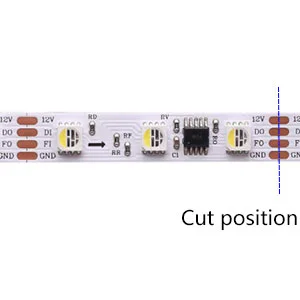
Measure the channel, corner, cable exit and service loop together, then mark the nearest valid cut line. Do not stretch a flexible strip to make up a short measurement, and do not cut at the end of a reel simply because the length looks right. For an addressable strip, also preserve the data direction and leave enough pad area for the connector or solder lead.
- Add the width of the joint and end treatment to the fit check.
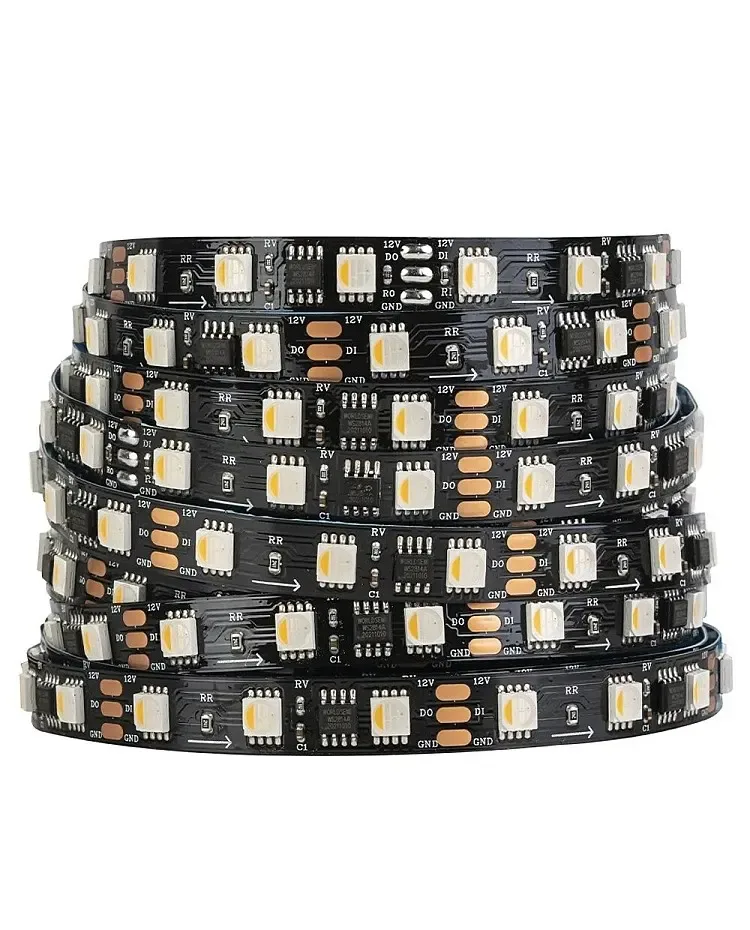
- Keep the data-in arrow on every digital offcut.
- Power down and disconnect the reel before bringing scissors or a knife to it.
CHECKPOINT / 03
Make a square, low-force cut
Use a sharp tool suited to the strip and cut through the marked line without twisting the PCB. A crooked cut can remove part of a circuit or leave one side without enough copper for a joint. Keep the silicone, coating or phosphor surface clean, and expose only what the selected connector or solder method requires. Inspect the two ends before reconnecting them.
- Cut through the center of the marked copper boundary when the drawing calls for it.
- Avoid crushing the board or pulling components from the cut section.
- Do not scrape across adjacent pads or bridge them with loose solder.
CHECKPOINT / 04
Reconnect the offcut as its original interface
Choose the connector or solder method from the light engine and pad map. Match positive and negative, preserve channel order and keep addressable data flowing from output to input. After the electrical joint works, add mechanical strain relief. For a coated strip, the removed coating at the joint must be replaced with a suitable end seal or housing; cutting does not make the new end waterproof.
- Use the correct pin count and width for the offcut.
- Test a repaired section before adding sealant or closing the profile.
- Keep a short spare lead when the joint will be inaccessible later.
CURRENT PRODUCT RECORDS
24 V WS2814 RGBW addressable LED strip View product IP65 COB CCT LED strip View productCHECKPOINT / 05
Test before the finish hides the mistake
Power the original section and offcut separately first, then test the joined run at low and maximum planned brightness. Check the first and last LED group, channel order, data direction, voltage and temperature. For outdoor or wet applications, inspect the complete end treatment, cable exit and drainage plan as a separate approval. A strip that lights on a bench is not automatically a durable finished assembly.
- Verify every channel or pixel group after reconnection.
- Measure voltage at the far end under a repeatable bright state.
- Record the final cut interval, joint method and seal method.
CURRENT PRODUCT RECORDS
2835 flexible CCT LED strip View product 24 V WS2814 RGBW addressable LED strip View productVISUAL REFERENCES
See the layers before you specify the parts.
FAILURE MODES
What usually goes wrong
- The strip is cut between circuit marks because the measured length is slightly shorter.
- A COB free-cut claim is generalized to a conventional or different COB variant.
- The cut removes the copper pads needed by the selected connector.
- An addressable offcut is joined backwards or with an incorrect data path.
- The end is tested electrically but left unsealed in an exposed installation.
TECHNICAL BASIS / VERSION
Keep the decision current
This guide is maintained as a versioned technical record. Recheck the current protocol documentation and the exact product revision before using it in a production installation.
Confirm the selected voltage, light engine, driver, controller, firmware and installation conditions against the product record and project brief.
FAQ / QUICK ANSWERS
Common questions about this lighting setup
Can every LED strip be cut?
No. Cut only at the documented marks or circuit intervals for the exact variant. If there are no clear marks or instructions, do not assume it can be cut.
Will an LED strip work after it is cut?
It should continue to work when the strip is cut at a valid circuit boundary and the new end is wired with the correct polarity, channel order and connector or solder method.
Does cutting a waterproof strip keep it waterproof?
No. Cutting opens a new environmental boundary. The end, joint, cable entry and housing need a suitable sealing method for the actual installation.
READING LIST
Reference points used for this guide
The page is rewritten for LumaCircuit readers. These references establish the original topic or technical context; they do not replace an exact product review or a LumaCircuit test record.
- Reference article / cutting LED light strips