01 / Short answer
LED strips produce heat as well as light. Overheating usually comes from a combination of load, current path, poor contact with the carrier, trapped air or unsuitable ambient conditions. Use the aluminum profile, cable and supply as part of the thermal design and verify the result under load.
Installers troubleshooting hot strips, softened adhesive, color shift or early LED failure
CHECKPOINT / 01
Treat heat as a normal design input
An LED strip does not convert every watt into visible light. The remaining energy leaves through the PCB, adhesive or mechanical carrier and the surrounding air. A dense, high-power strip in a shallow closed cavity can run hotter than the same strip in an open aluminum channel. The diffuser changes the optical result, while the carrier and contact determine much of the thermal path.
- Record watts per metre and intended maximum brightness.
- Identify whether the strip needs a conductive mounting surface.
- Consider the cavity, cover, wall material and ambient temperature together.
CURRENT PRODUCT RECORDS
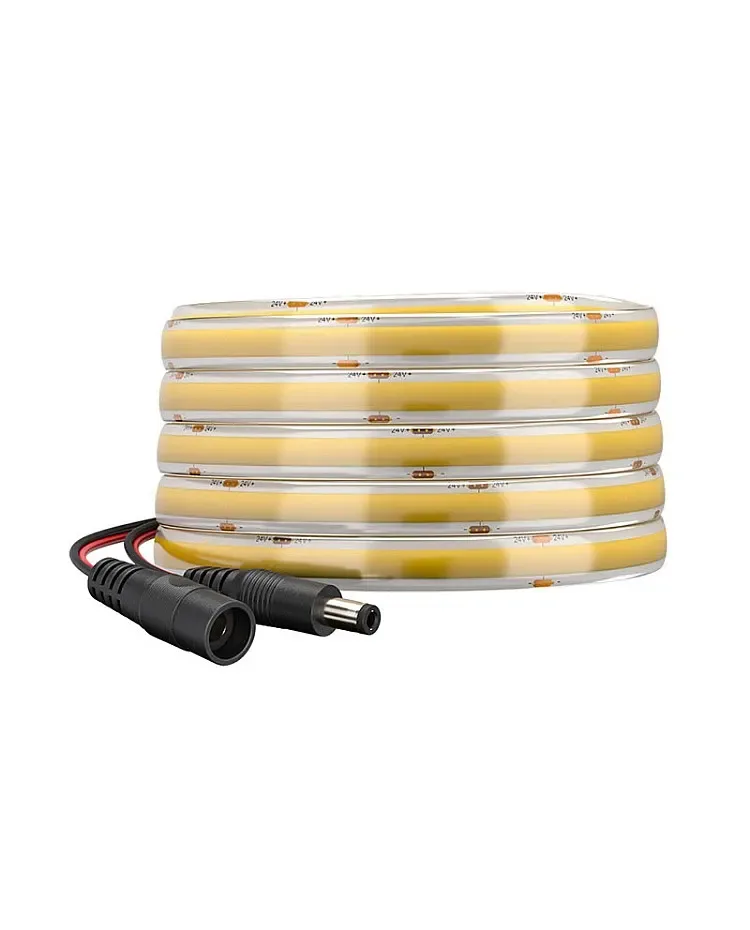
IP65 COB CCT LED strip View productCHECKPOINT / 02
Find current-path stress before changing the strip
Check the supply voltage at the strip, not only at the supply terminals. A long or resistive path can lose voltage and change the electrical operating point, while an overloaded branch, loose connector or undersized cable can create a hot local point. The symptom may be dimming, color change, flicker, a warm joint or softened adhesive. Measure before assuming that a larger supply will solve it.
- Compare source and load-end voltage at the planned bright state.
- Inspect connectors, solder joints, fuses and cable terminations for heat.
- Do not increase the supply voltage beyond the strip rating to recover brightness.
CURRENT PRODUCT RECORDS
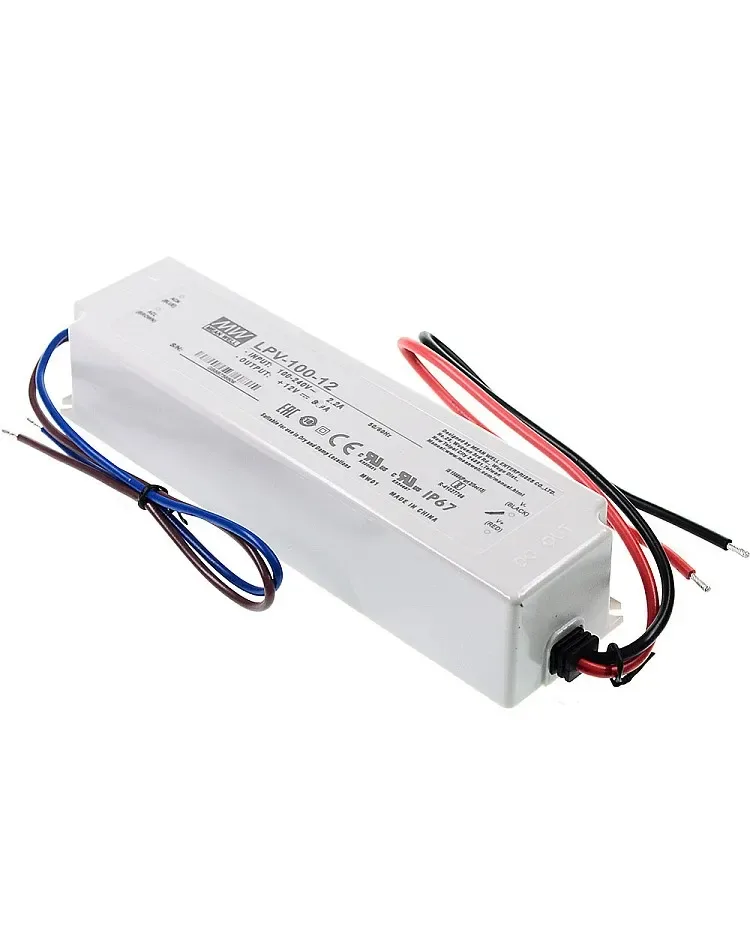
100 W IP67 LED power supply View product IP65 COB CCT LED strip View productCHECKPOINT / 03
Give the strip a real heat carrier
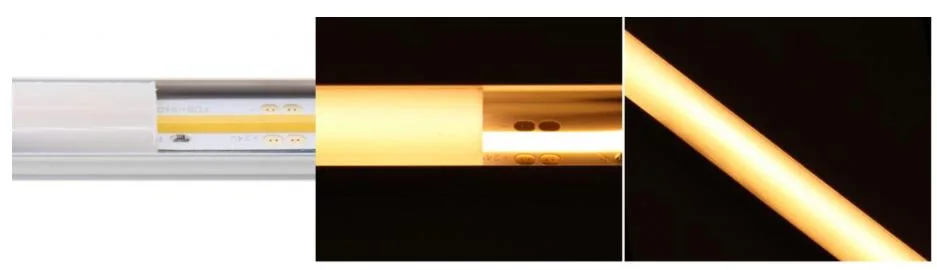
An aluminum profile can spread heat along the strip and also provide alignment and diffuser support. The strip must contact the profile as intended; a dusty surface, thick insulating adhesive layer or a trapped air gap reduces the benefit. Profile depth, width, cover transmission and strip density still need an optical sample. A profile is a system component, not a universal temperature guarantee.
- Clean and prepare the mounting surface before applying the strip.
- Check that the selected board, coating and diffuser fit without pinching.
- Use clips or a mechanical carrier when adhesive may soften or age.
CHECKPOINT / 04
Reduce the load or improve the path deliberately
If the thermal result is too high, lower the operating level, divide the run, increase the carrier contact, improve airflow where appropriate or select a lower-power variant. Parallel power branches can reduce local conductor stress, but they do not make an enclosed cavity cool. Waterproof coatings may slow heat transfer, so their power density and profile must be reviewed together. Keep a repair route for the first metre and the hottest joint.
- Separate electrical correction from thermal correction in the fault record.
- Recalculate the supply and fuse plan after changing the strip or brightness.
- Do not bury a hot supply or controller inside an unventilated cavity.
CURRENT PRODUCT RECORDS
100 W IP67 LED power supply View productCHECKPOINT / 05
Measure after the installation stabilizes
Run the final assembly at the maximum planned state long enough for the temperature to settle, then measure the strip carrier, connector, controller and supply at representative points. Compare the result with the exact product limits and the local material limits. Repeat after the diffuser, enclosure and room temperature are real. Record the test state, ambient conditions, measurement method and any brightness limit that becomes part of the handoff.
- Measure the first and far end of a long run, not only the center.
- Check that the adhesive and cover remain mechanically stable.
- Recheck after a seasonal ambient change or a firmware scene change.
CURRENT PRODUCT RECORDS
100 W IP67 LED power supply View productVISUAL REFERENCES
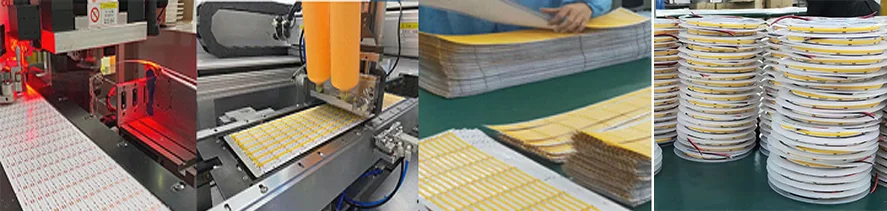
See the layers before you specify the parts.
FAILURE MODES
What usually goes wrong
- Power density is increased without adding a thermal carrier.
- Voltage loss, loose joints or overloaded branches are mistaken for a brightness setting problem.
- An aluminum profile is selected but the strip does not make the required contact.
- A waterproof coating is treated as both an ingress and a heat-management solution.
- Temperature is checked immediately after power-up instead of after the final assembly stabilizes.
TECHNICAL BASIS / VERSION
Keep the decision current
This guide is maintained as a versioned technical record. Recheck the current protocol documentation and the exact product revision before using it in a production installation.
Confirm the selected voltage, light engine, driver, controller, firmware and installation conditions against the product record and project brief.
FAQ / QUICK ANSWERS
Common questions about this lighting setup
Do LED strips normally get warm?
Yes. The amount depends on power density, drive level, strip construction, carrier, cover and ambient temperature. The correct question is whether the complete assembly stays within its documented limits.
Does an aluminum channel stop an LED strip from overheating?
It can improve heat spreading when the strip, mounting surface and profile are matched, but it is not a universal guarantee. Measure the final assembly under its maximum planned state.
Will a bigger power supply make a hot strip cooler?
Not by itself. A larger supply can provide headroom, but it does not repair an undersized cable, voltage-loss problem, high-power strip or trapped thermal path.
READING LIST
Reference points used for this guide
The page is rewritten for LumaCircuit readers. These references establish the original topic or technical context; they do not replace an exact product review or a LumaCircuit test record.
- Reference article / preventing LED strip overheating