01 / Short answer
Strip width is a fit, thermal and connection decision. Measure the finished cross-section and choose the narrowest board that still supports the required power, diffuser, connector and service plan.
Buyers and installers fitting LED strip into cabinets, channels, furniture, signs or architectural details
CHECKPOINT / 01
Measure the complete installation envelope
The PCB width is only the first dimension. Measure the profile inner width, diffuser lips, coating, solder joint, connector, cable exit and bend clearance. For a furniture groove or corner channel, also measure the tools needed to install and repair the strip. A board that fits before wiring may fail once the joint and strain relief are included.
- Record clear width and height at the tightest point.
- Check whether the channel accepts the coated or sleeved version you selected.
- Leave enough room to remove the diffuser and pull a service lead.
CURRENT PRODUCT RECORDS
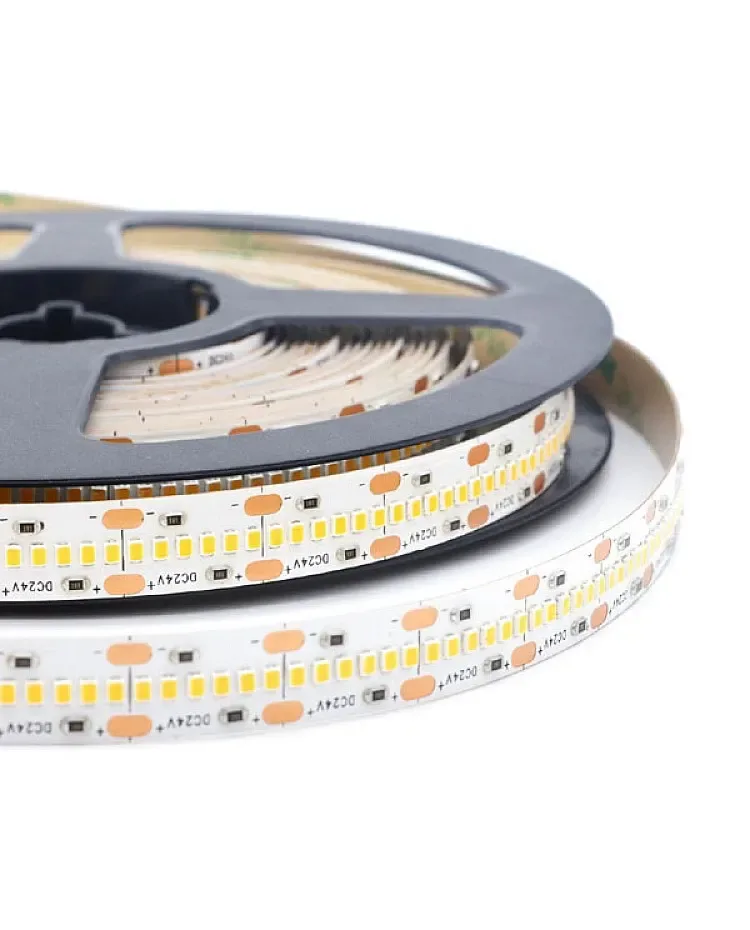
2835 flexible CCT LED strip View productCHECKPOINT / 02
Width affects the thermal path
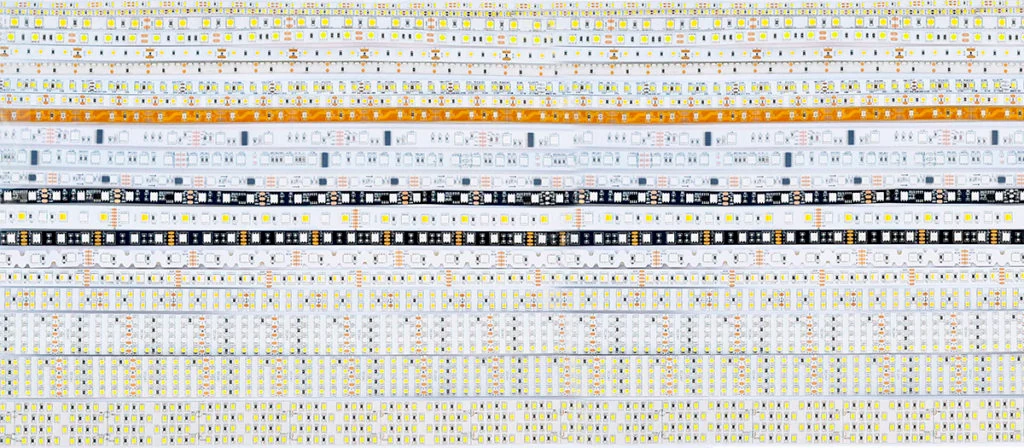
A wider board can provide more copper area or support a particular emitter layout, but width alone does not prove output or efficiency. Compare watts per metre, density, copper construction, mounting surface, ambient temperature and diffuser together. A narrow high-density strip can still need heat spreading, while a wide low-power board can be a better fit for a protected detail.
- Treat package size, board width and LED density as separate fields.
- Do not choose a wide strip only because it looks brighter in a product photo.
- Use the selected profile or mounting surface to carry heat when the load requires it.
CURRENT PRODUCT RECORDS
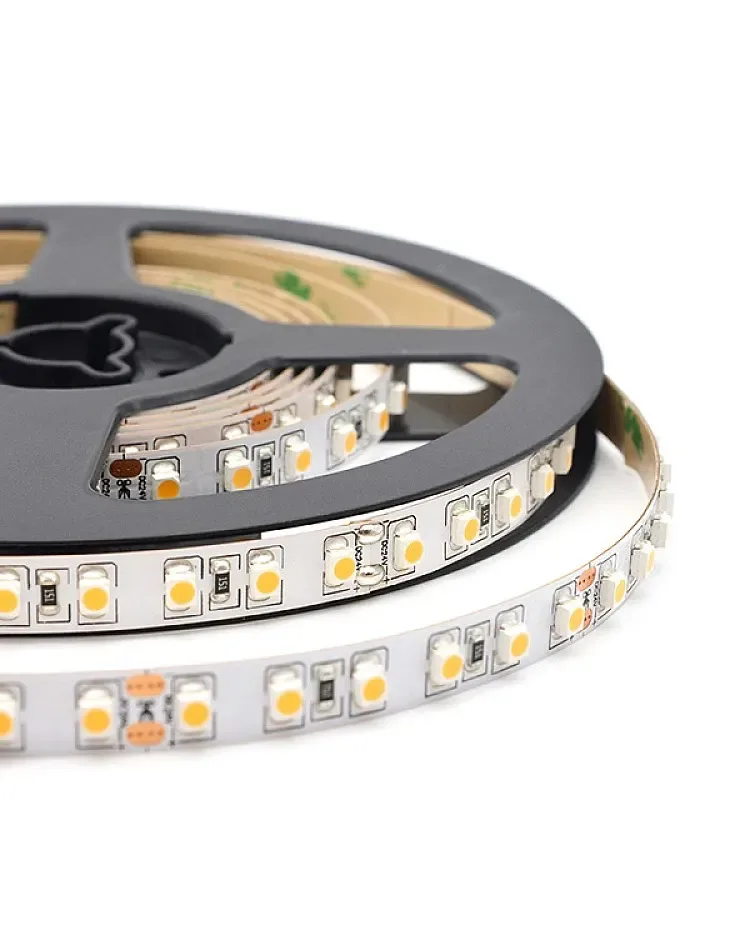
2216 CCT LED strip, 420 LEDs View productCHECKPOINT / 03
Choose width from the light job
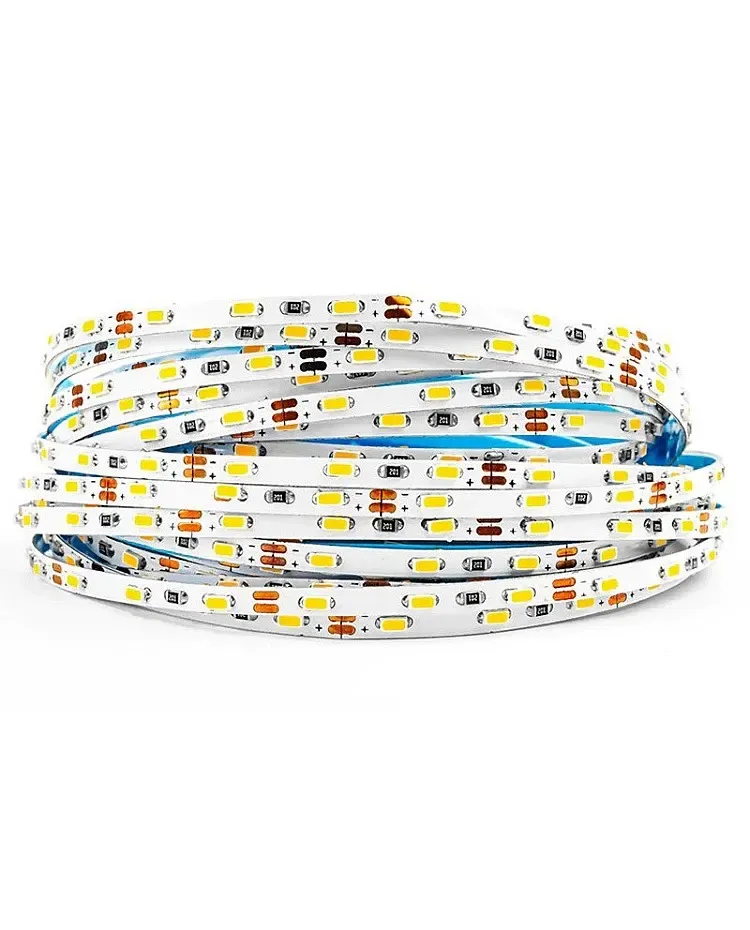
Narrow strips are useful for tight furniture, shelving and small channels. Standard-width boards often offer more connector and diffuser choices. Wider or multi-row boards may suit higher output or a broad optical line when the channel has the space. These are starting categories, not performance promises; the exact voltage, cut interval, power and light engine still control the selection.
- Furniture detail: prioritize the full fit and bend direction.
- Visible linear light: compare density, diffuser depth and glare at the real sightline.
- High-output task light: verify output and temperature at the intended drive level.
CHECKPOINT / 04
Check connectors, cut marks and channel ends
The connector must match the strip width, pin count, current and polarity. A wide strip may need a larger terminal while a narrow strip may have less copper for a solder joint. Confirm the cut interval and wire exit before ordering the channel length, and leave room for a connector or soldered lead at the end. Do not let the cover pinch a raised joint.
fit_width = board + coating + connector_clearance
thermal_check = watts_per_m + mounting_surface + ambient
approve = fit_width <= channel_clear_width && thermal_check
CHECKPOINT / 05
Approve a sample at the final sightline
Install a short piece of the selected width in the actual profile, diffuser and surface finish. Test the desired brightness, color or CCT, inspect the first and last section, and remove the cover to confirm service access. Keep the final record with width, voltage, density, power, cut interval, connector and channel so a replacement strip does not have to be chosen from a photograph.
- Judge output and uniformity after the diffuser is installed.
- Measure voltage at the strip when the planned maximum state is active.
- Keep an offcut or cross-section record when future replacement is likely.
CURRENT PRODUCT RECORDS
2216 CCT LED strip, 420 LEDs View productVISUAL REFERENCES
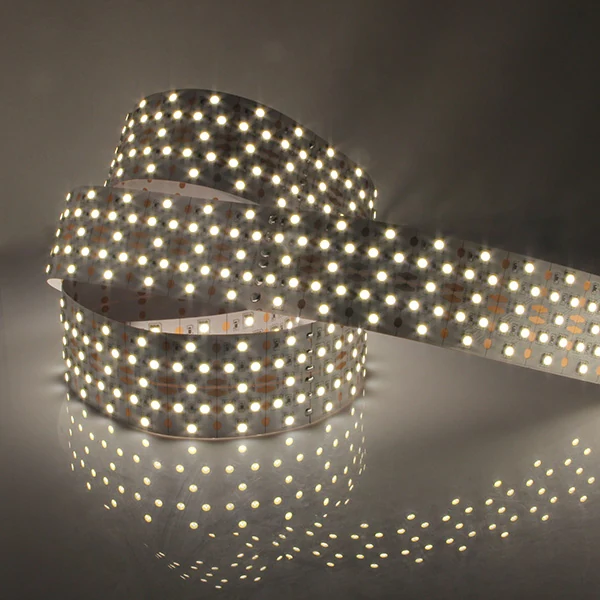
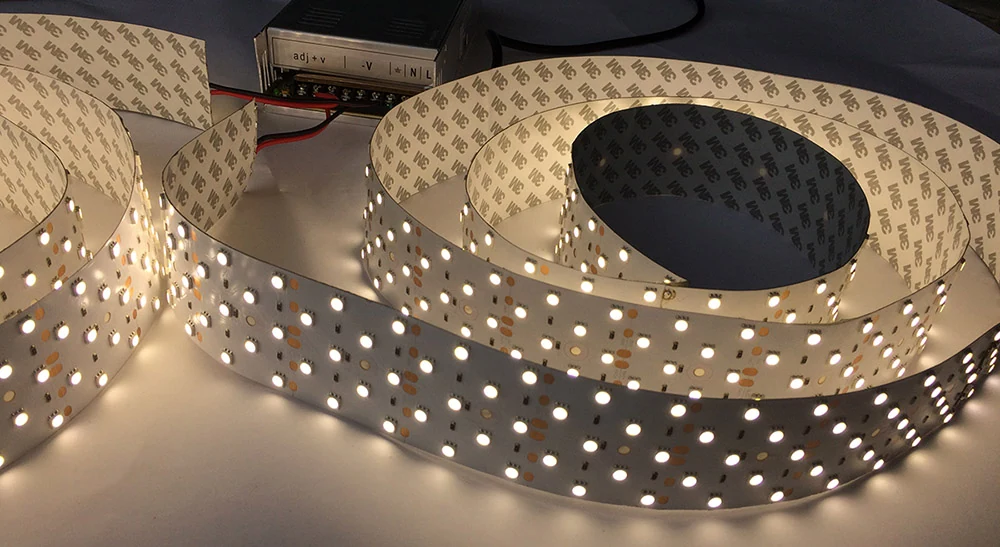
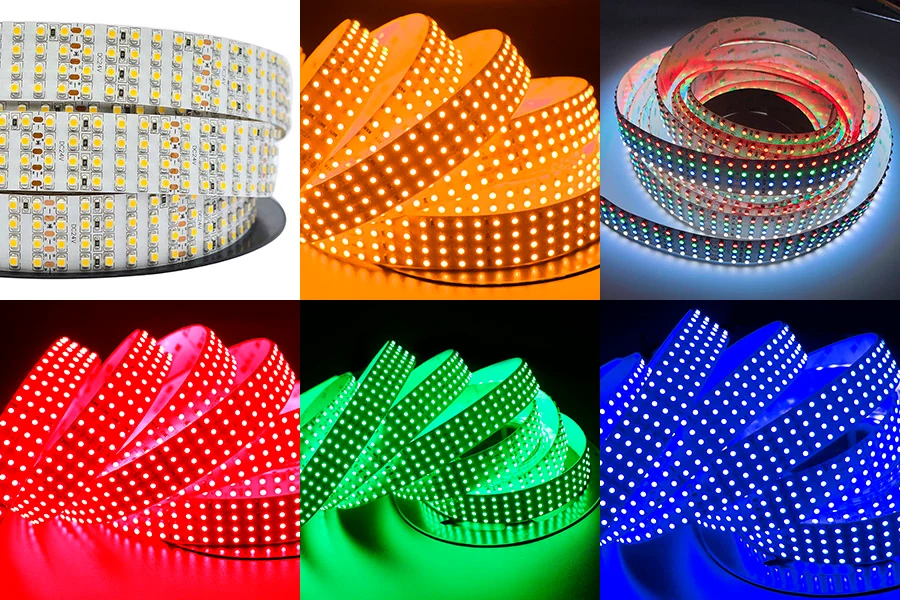
See the layers before you specify the parts.
FAILURE MODES
What usually goes wrong
- The bare PCB fits but the coating or solder joint does not.
- Width is used as a shortcut for brightness, CRI or lifetime.
- A connector is selected by visual size without checking pin order and current.
- The channel is ordered before the cut interval and cable exit are known.
- The sample is checked without the final diffuser, so glare and hotspots appear after installation.
TECHNICAL BASIS / VERSION
Keep the decision current
This guide is maintained as a versioned technical record. Recheck the current protocol documentation and the exact product revision before using it in a production installation.
Confirm the selected voltage, light engine, driver, controller, firmware and installation conditions against the product record and project brief.
FAQ / QUICK ANSWERS
Common questions about this lighting setup
What is the narrowest LED strip width?
Widths vary by light engine, voltage, density, coating and connector design. The useful question is whether the complete configured strip, joint and cable exit fit the intended channel while meeting the optical and thermal requirement.
Does a wider LED strip produce more light?
Not automatically. Output depends on the exact emitters, density, drive power, optics, color quality and thermal path. Compare the finished product record and test a sample.
How much space should I leave around an LED strip?
Leave enough clear width and height for the selected board, coating, solder joint, connector, diffuser and service method. Measure the tightest part of the channel rather than using a nominal strip width alone.
READING LIST
Reference points used for this guide
The page is rewritten for LumaCircuit readers. These references establish the original topic or technical context; they do not replace an exact product review or a LumaCircuit test record.
- Reference / choosing LED strip width from the channel and connection