01 / Short answer
A uniform sheet backlight is a geometry and power problem before it is a shopping problem. Measure the panel, cavity and diffuser, then choose a sheet format and branch plan that can be tested and serviced.
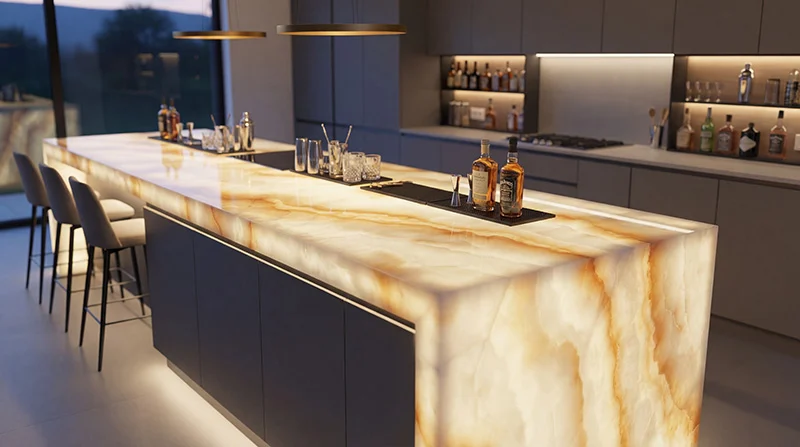
Builders, sign makers and fit-out teams planning a diffuse LED sheet backlight behind a panel, counter or display
CHECKPOINT / 01
Define the panel and the lighting job
Start with the material in front of the light sheet: acrylic, stone, glass, fabric, signage film or a painted panel. Record whether the result must provide useful white light, a decorative color layer or a controllable effect. Transmittance, surface texture, cavity depth and viewing distance determine uniformity more reliably than a generic sheet size.
- Record the visible width, height, cutouts and edge shadow zones.
- Measure the distance available between the light source and the diffuser.
- Keep functional illumination separate from decorative RGB or addressable effects.
CHECKPOINT / 02
Choose modular sheets or a continuous format
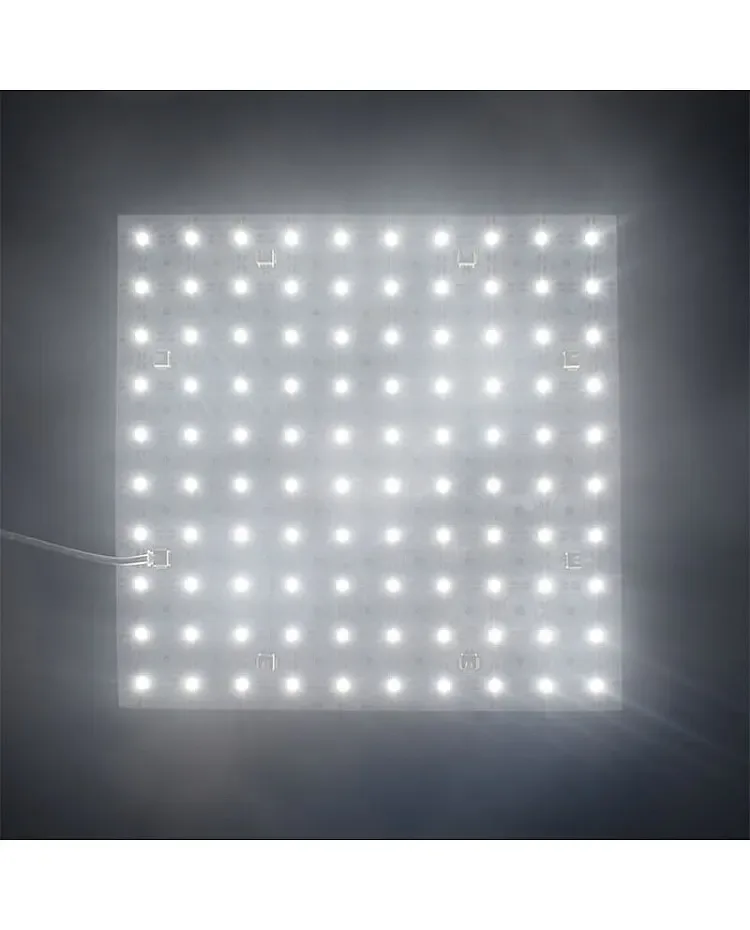
Modular sheets can follow irregular areas and make small replacements easier. Long formats can reduce seams and connection points across a regular panel. The current catalog contains several 24 V sheet families with different light engines and control options; use the exact record for dimensions, cut marks, power and wiring rather than carrying one example layout into every project.
- Regular rectangle: compare continuous coverage with a modular grid.
- Irregular panel: prioritize cuttable sections, edge coverage and connector access.
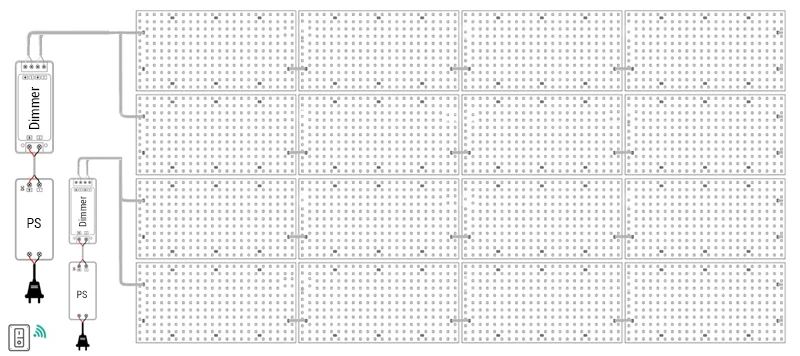
- Do not mix white, CCT, RGBW and addressable sheets on one controller without a documented channel plan.
CHECKPOINT / 03
Calculate coverage from the actual sheet dimensions
Use the usable illuminated area rather than the outside shipping size. Round the number of rows and columns up, then draw the grid over the panel so gaps, overlaps, cutouts and edge falloff are visible. For a long sheet, calculate the number of parallel runs and leave a margin for cable exits and termination. A layout that fits on paper can still show seams when the diffuser is thin or highly translucent.
columns = ceil(panel_width / sheet_width)
rows = ceil(panel_height / sheet_height)
quantity = columns * rowsCHECKPOINT / 04
Size supply, branches and control together
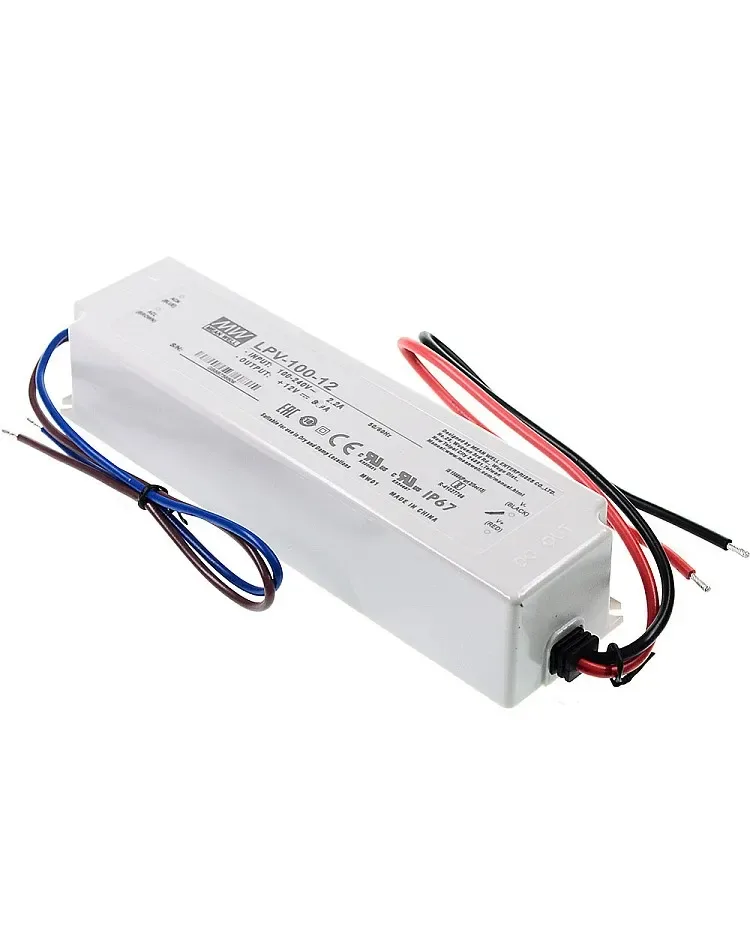
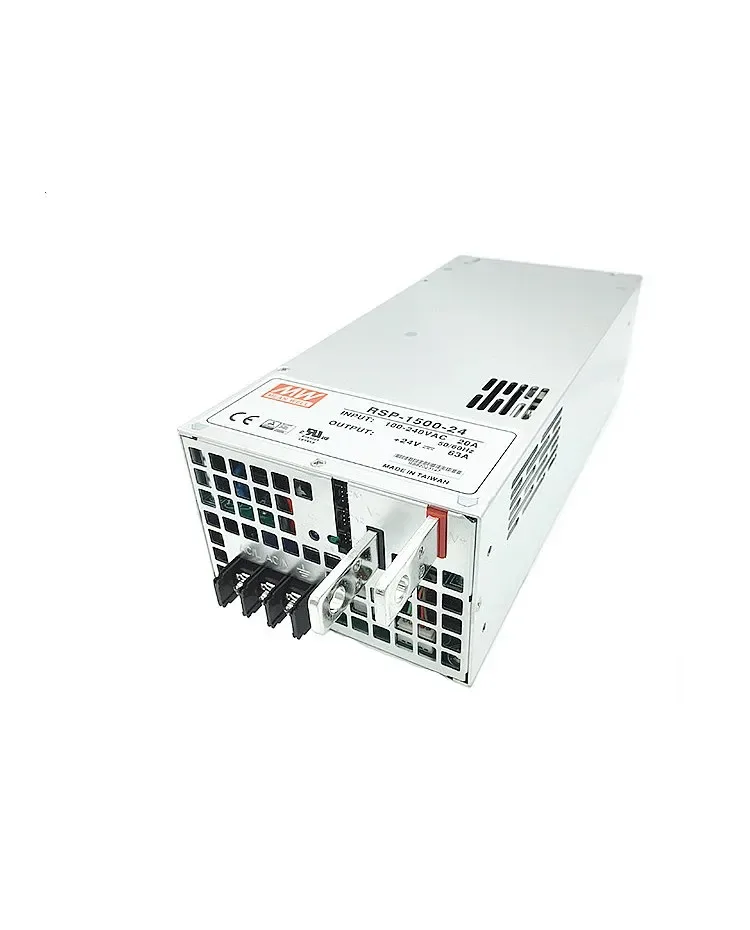
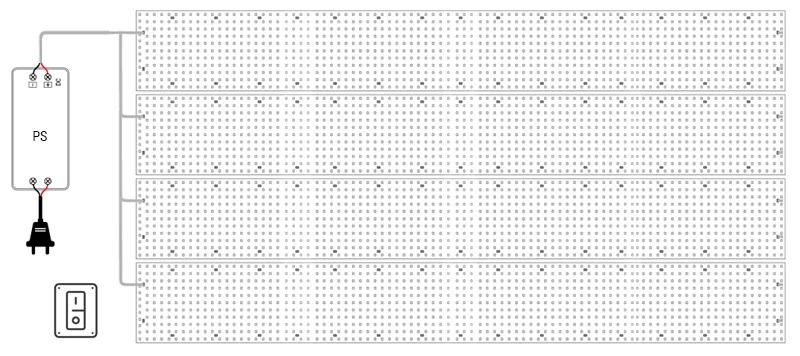
Multiply the quantity or installed length by the exact maximum wattage, add headroom and split the current into practical branches. Check the sheet connector, cable, fuse, supply output and controller channel as separate limits. A larger supply cannot fix a connector or branch that is too small. White sheets may use direct switching or dimming, while CCT, RGBW and addressable sheets need the matching controller topology and a verified pinout.
load_w = quantity * watts_per_sheet
supply_w >= load_w * 1.20
branch_current_a = branch_w / voltage_v
CURRENT PRODUCT RECORDS
100 W IP67 LED power supply View product RSP 1500 24V DC Power Supply View productCHECKPOINT / 05
Install for uniformity and the second repair
Mount sheets to a clean, flat surface with even spacing and no unplanned shadow gaps. Mock up the diffuser, light source and cavity before fixing the final panel. Test the first and last branch at the intended brightness, then leave access to the power supply, controller, fuses and connection points. Record the grid, branch labels, polarity, cut sections and final measurements.
- Keep the sheet face parallel to the diffuser unless the optical design requires otherwise.
- Use even spacing and inspect corners, joins and cutouts from the normal sightline.
- Keep at least one practical access route for a failed sheet or connector.
CURRENT PRODUCT RECORDS
Flexible LED Sheet Panels White Dimmable DC24V View product 100 W IP67 LED power supply View productVISUAL REFERENCES
See the layers before you specify the parts.
FAILURE MODES
What usually goes wrong
- A sheet size is chosen before the diffuser and cavity depth are measured.
- The source example wattage or connector limit is treated as universal for every sheet variant.
- Sheets are spaced with large gaps and the diffuser cannot blend the seams.
- A power supply is sized correctly but a branch connector or controller output is overloaded.
- The backlight is sealed without a replacement path for the sheet, driver or controller.
TECHNICAL BASIS / VERSION
Keep the decision current
This guide is maintained as a versioned technical record. Recheck the current protocol documentation and the exact product revision before using it in a production installation.
Confirm the selected voltage, light engine, driver, controller, firmware and installation conditions against the product record and project brief.
FAQ / QUICK ANSWERS
Common questions about this lighting setup
How much space should be left behind a diffuser?
There is no universal distance. It depends on sheet density, diffuser transmission, panel thickness, viewing distance and the required uniformity. Build a physical mock-up with the actual sheet and finish before fixing the cavity.
Can LED sheets be connected in one long series?
Only within the exact variant wiring and current limits. Larger projects commonly use parallel branches or multiple outputs so voltage drop, connectors and fuses remain manageable. Read the product record and measure the far end under load.
Can an addressable LED sheet share a controller with a white sheet?
Not by default. Addressable data, analog PWM, CCT and RGBW channel layouts are different electrical interfaces. Use a controller and power plan that explicitly supports the selected light engines, or keep the layers separate.
READING LIST
Reference points used for this guide
The page is rewritten for LumaCircuit readers. These references establish the original topic or technical context; they do not replace an exact product review or a LumaCircuit test record.
- Reference article / custom LED sheet backlighting system